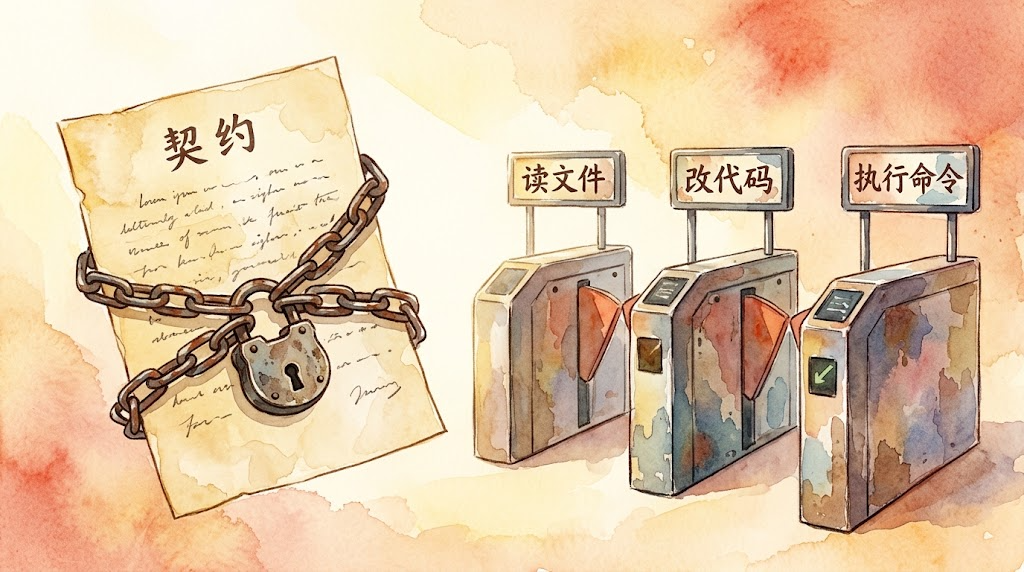
Watercolor style: A contract document locked with chains, beside three checkpoint gates labeled "read files", "modify code", "execute commands"

Day 3 | Harness Hard Constraints: Static Contracts and Lifecycle Hooks

Previous article: Day 2 | Minimalism and Hard Isolation: The Pi Paradigm. Now that we understand why Pi strips features, we now address a more specific question: after the cuts, how should the remaining capabilities be managed? This is the backbone article of L3. Navigation for subsequent articles: Day Type Topic Day 4 Practice Rewrite your AGENTS.md + add an interception Hook Day 5 Backbone Tools as Interfaces: Three Extension Paths Day 6 Practice Add a new tool to your Agent Day 7 Backbone Meta-Architecture: Everything is a Plugin Day 8 Backbone Memory, Traces, and Observability Day 9 Practice Graduation project: Build a team-level CI/CD automation Harness Day 10 Phase summary L3 graduation assessment + Harness future trends The Problem with “Allow Everything” Day 1’s miniharness had 7 tools; Day 2’s Pi cut it down to 4. Regardless of the count, they share a common premise: all tools are available by default. ...


2026-10-09 · 7 min · Alex Wang
Watercolor style: a clean workbench with only four tools neatly arranged, contrasted with a cluttered desk nearby

Day 2 | Minimalism and Hard Isolation: The Pi Paradigm

Previous post: Day 1 | 120 Lines to Understand the Agent Loop: miniharness Teardown and 3 Counterintuitive Findings. Now that we understand the loop’s core structure, let’s ask a more fundamental question: of the remaining thousands of lines, what belongs and what doesn’t? This is an L3 core lesson. Upcoming navigation: Day Type Topic Day 3 Core Hard constraints in the Harness: static contracts and lifecycle hooks Day 4 Exercise Rewrite your AGENTS.md + add an interception hook Day 5 Core Tools as interface: three extension paths Day 6 Exercise Give your Agent a new tool Day 7 Core Meta-architecture: Everything is a Plugin Day 8 Core Memory, traces, and observability Day 9 Exercise Capstone: build a team-level CI/CD automated Harness Day 10 Wrap-up L3 graduation assessment + Harness future trends Why “More Features” Is a Reverse Optimization In Day 1 we dismantled the loop, showing that the core logic takes only about a hundred lines; the remaining thousands consist of structure, constraints, tools, permissions, and planning modes—all the extra capabilities designed to let Agents “do more things.” ...

2026-09-28 · 6 min · Alex Wang
Watercolor: on a workbench, a small machine's translucent casing is lifted to reveal a glowing circular gear mechanism, two sealed black boxes standing beside it

Day 1 | 120 Lines to Understand the Agent Loop: miniharness Teardown and 3 Counterintuitive Findings

Previous post: Day 0 | L3 Kickoff: A Short History of Harnesses, From Your Batch Script to Pi and DeepSeek Harness. Make sure you understand the Harness concept from Day 0 and the API calls from L2 Days 0-3, and let’s start dismantling the loop. This is an L3 exercise post. Upcoming navigation: Day Type Topic Day 2 Core Constraints and interception: hooks and permissions Day 3 Exercise Adding an approval gate with hooks Day 4 Core Extensions vs plugins: Pi vs DSH Day 5 Exercise Writing a Pi extension Day 6 Exercise Composing DSH Cordis plugin modes Day 7 Core Agent Teams and task DAGs Day 8 Core Memory and learning: Hermes, Nowledge Mem, EvoMap Day 9 Exercise Designing your own skill system Day 10 Wrap-up L3 graduation check Why This Is an Exercise Post The previous post traced the evolution of Harnesses. From Anthropic’s controlled experiment to the Pi and DeepSeek Harness routes, we learned one thing. Beyond the model, that guiding structure is what actually decides success. ...

2026-09-07 · 8 min · Alex Wang
Watercolor: a half-built tower wrapped in wooden construction scaffolding, warm light glowing from the unfinished floors, a slender crane silhouette beside it

Day 0 | L3 Kickoff: A Short History of Harnesses, From Your Batch Script to Pi and DeepSeek Harness

Previous post: Day 16: L2 Complete! Next Stop: Harness Engineering Evolution and the L3 Blueprint. Make sure you have understood or mastered the skills Day 16 covered, and let’s start L3 from here. This is the L3 entry point. Upcoming posts: Day Type Topic Day 1 Exercise Reading the Agent Loop in 120 lines Day 2 Core Constraints and interception: hooks and permissions Day 3 Exercise Adding an approval gate with hooks Day 4 Core Extensions vs plugins: Pi vs DSH Day 5 Exercise Writing a Pi extension Day 6 Exercise Composing DSH Cordis plugin modes Day 7 Core Agent Teams and task DAGs Day 8 Core Memory and learning: Hermes, Nowledge Mem, EvoMap Day 9 Exercise Designing your own skill system Day 10 Wrap-up L3 graduation check Start by Remembering Your Day 4 Script Think back to Day 4 of L2. In that lesson we wrote a batch script: read files from a folder, call the API on each one, write the results back, and when a step failed, log the error first, then keep going. ...

2026-08-27 · 12 min · Alex Wang
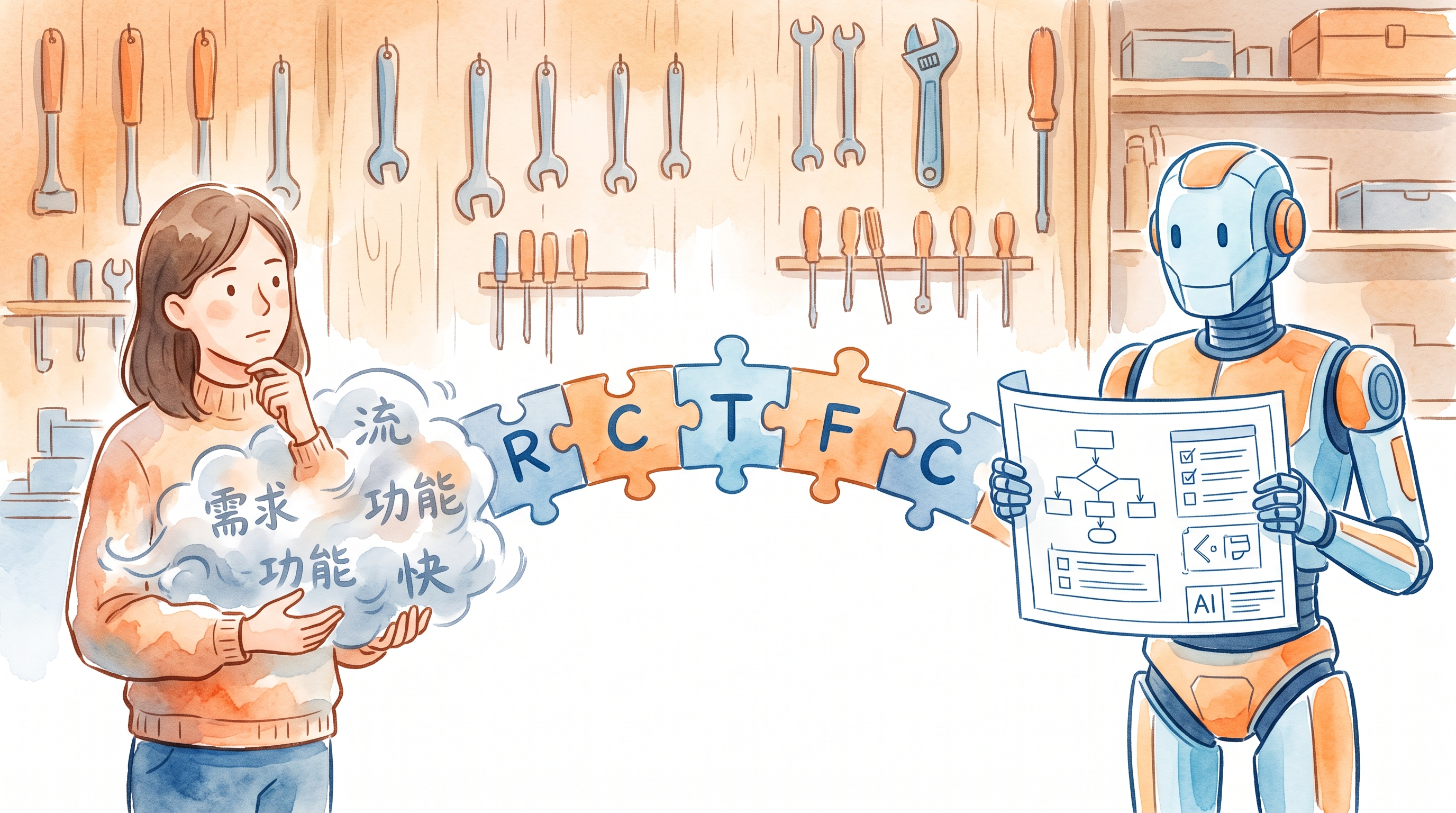
Watercolor style: A person hands a blurry cloud to an AI, which outputs a structured blueprint—a visual metaphor for the communication bridge from description to code

Part 5: How Non-Coders Use AI to Write Code

This is a supplementary part of the AI Path Advanced Guide L2, teaching non-coders how to use AI to write code. L2 has one final step: making AI write code that actually works. How do you make AI write code you can use? Not a demo that runs once. A script you can drop into your project and run. For someone who doesn’t code, the biggest pain points aren’t “how to write code.” They’re three questions: ...

2026-08-22 · 6 min · Alex Wang
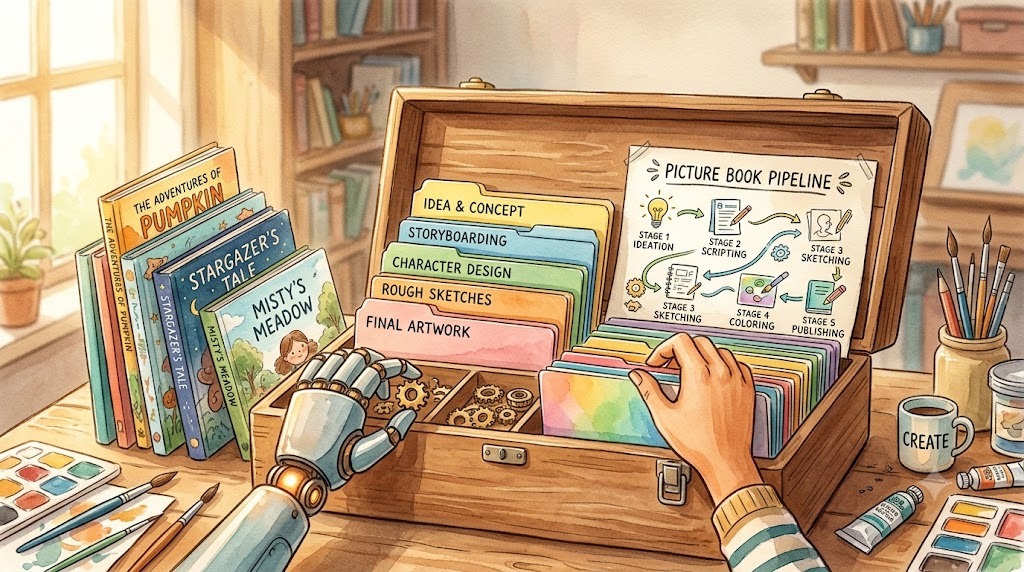
Watercolor: six cards arranged in a circle labeled GOAL, FLOW, LIST, PLAN, BUILD, TEST, with a folder in the middle. Six conversations turning a workflow into a skill kit.

Day 13: Turning a Workflow into a Skill Kit

This is Day 13 of the AI Path L1→L2 Upgrade Guide. Before diving in, check out Day 8, Day 9, Day 10, Day 11, and Day 12 first. Day 12 ended with a promise: in the next practice, we’d run the pipeline by hand. Two tools working in relay. Today, I deliver on that promise. I’m not here to show you how to use an off-the-shelf skill; I’ll show you how to build one from scratch. The project is picture-book-pipeline, which I use to batch-generate children’s picture books. It turns a workflow into a complete skill kit: a SKILL.md overview, role prompts, and execution scripts, all in one directory. ...

2026-08-06 · 12 min · Alex Wang
Watercolor: a toolbox holding a code script and an AI agent, beside pages of a children's picture book being batch-generated

Your AI Toolbox: How Scripts and AI Agent Work Together

This is Day 12 of the AI Path L1→L2 Upgrade Guide. Do Day 8, Day 10 and Day 11 first. Day 11 ended with a crucial question: How do we automate these steps? My approach relies on a simple realization: pairing stateless API calls with an AI agent shares the same core principles as breaking down workflows, designing systems, and building software. I’ve been doing that kind of work for years. The AI picture book project I’m building right now is a clean example. I’ll walk through how I designed its pipeline and tasks. ...

2026-08-04 · 11 min · Alex Wang
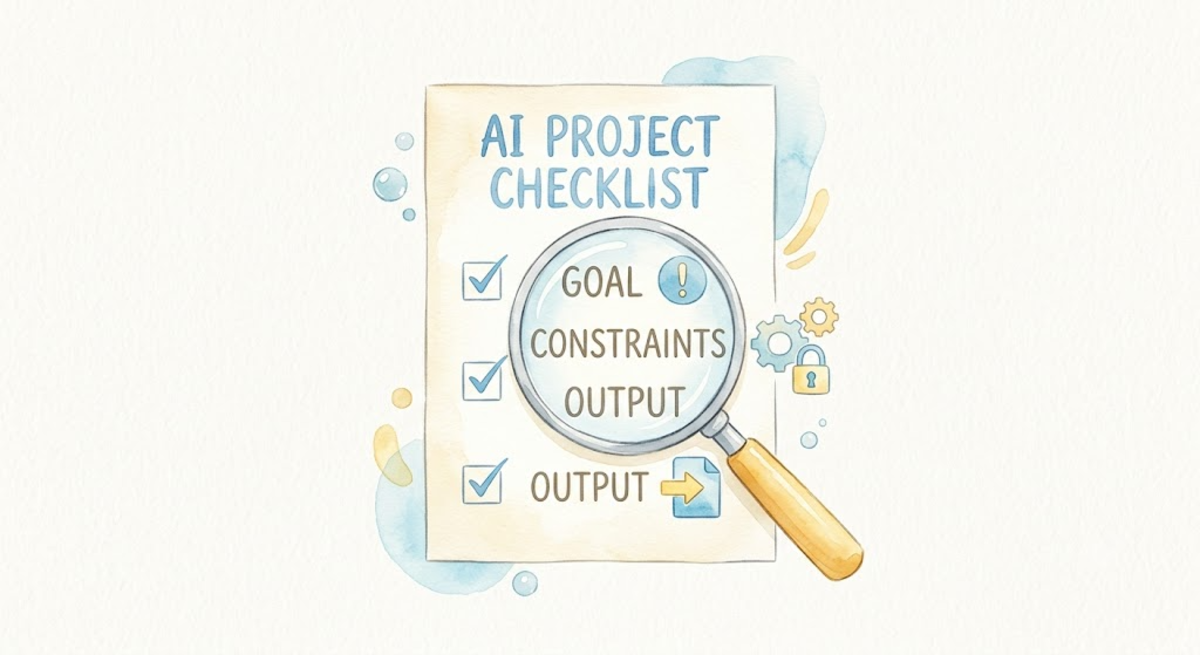
Watercolor: a beam of light passes through GCO (Goal, Constraints, Output) through a magnifying glass, landing on a verified report

Day 11: How to Verify What AI Gives You

This is Day 11 of the AI Path L1→L2 Upgrade Guide; if you haven’t done so yet, complete Day 8 and Day 10 before diving into this practice session. Day 10 ended with a note: description and verification are two sides of the same coin. If you can’t describe what you want, you can’t check whether you got it. I default to trusting AI output, especially when it sounds confident. The generated text is well-structured, clear, and sounds right. Day 10 mentioned an example: I asked AI to “organize these files by category.” It sorted them alphabetically by name. The result looked organized, but it wasn’t the kind of organization I meant. At the time, I thought, “I need to describe it better next time,” rather than asking, “Did it actually deliver what I requested?” ...

2026-07-28 · 6 min · Alex Wang
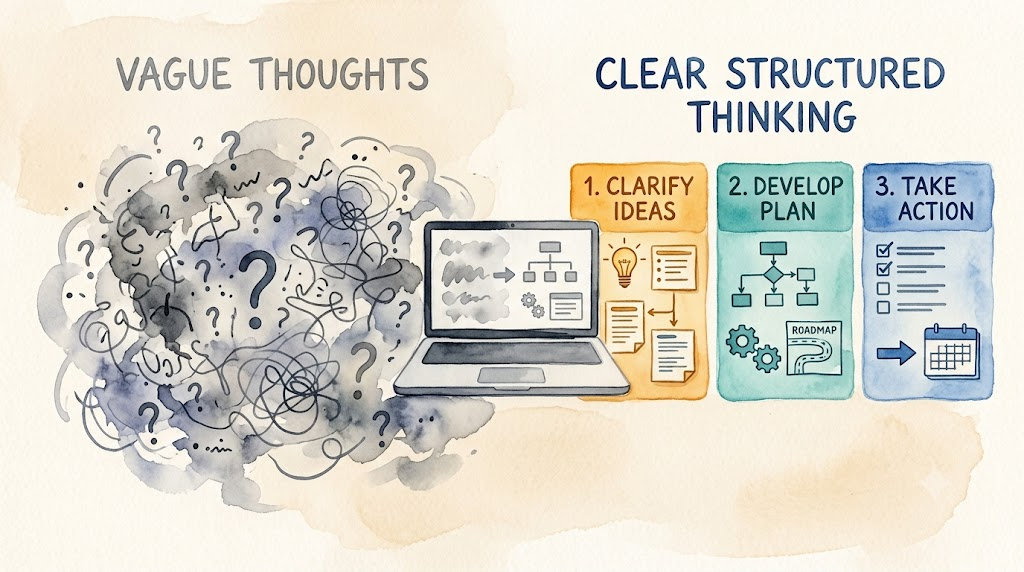
Watercolor illustration: fuzzy clouds condensing into a sharp beam of light, illuminating three cubes labeled G, C, O

Day 10: Your AI Feels Like an Intern? Try the GCO Framework

This is Day 10 of the AI Path L1→L2 Upgrade Guide. You should complete Day 8 and Day 9 first. I learned this the hard way. “I thought I was being clear” is a lie I’ve told myself too many times while writing AI prompts. I once asked an AI to organize project documents: “Help me sort these files.” What I got back: all .md and .py files mixed together, sorted alphabetically by filename. It did sort them, just not the way I meant. Another time I said: “Show me the directory structure.” I wanted a tree view. The AI gave me ls -lh output: file sizes, timestamps, permissions, everything I didn’t ask for. The root cause wasn’t model capability. It was prompt specification. Refining your task description can mean the difference between three back-and-forth prompt iterations and getting it right on the first turn. Here are three exercises from everyday scenarios. Each starts with a vague version, breaks down what’s missing, and builds up to a clear version. If you read these and think “wait, I write prompts like the vague version too,” that is exactly why this article exists. ...

2026-07-21 · 6 min · Alex Wang
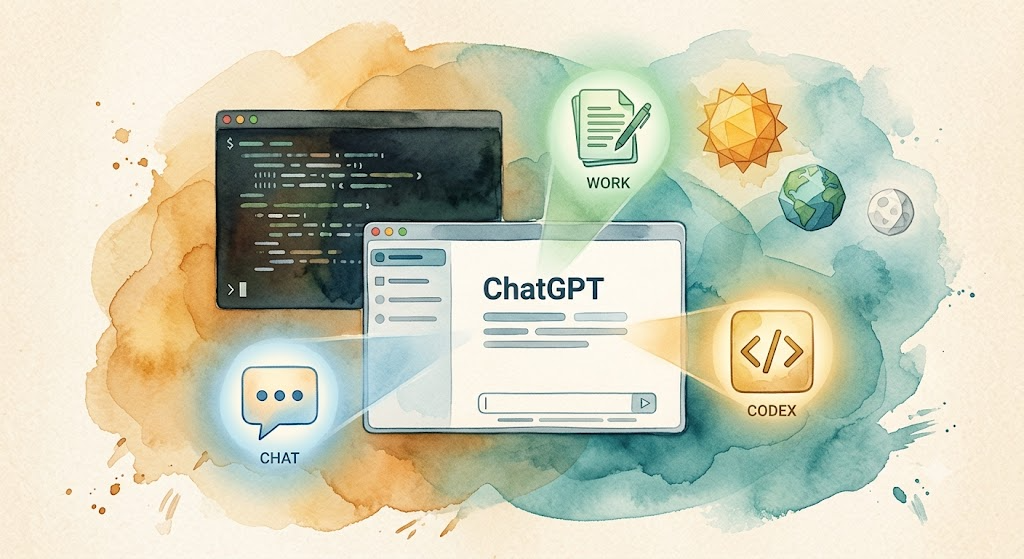
Watercolor: ChatGPT desktop app floating centrally with three mode icons Chat/Work/Codex, a terminal window with scrolling code behind, three geometric shapes representing GPT-5.6 Sol/Terra/Luna

Codex Cold Start: From Installation to Your First Command

This is a bonus article for the “AI Path L1→L2 Upgrade Guide.” If you haven’t set up Codex yet, this guide gets you from zero to running. On July 9, 2026, OpenAI made two announcements at once: GPT-5.6 went public, and Codex was merged into the ChatGPT desktop app. The new desktop app has three modes: Chat, Work, and Codex, all in one app. If you already have the standalone Codex desktop app, it updates in place. Your projects and settings carry over. ...

2026-07-13 · 6 min · Alex Wang