Watercolor style: three guide lines in signal-light colors converging on a door — green labeled reasoning, yellow labeled trade-offs, red labeled assumptions — symbolizing the three signals that trigger CoT

When Should You Ask AI to 'Think Step by Step'? Three Signals

Tip Card: When Should You Ask AI to “Think Step by Step”? Adding “please reason step by step” at the end of your prompt — that’s Chain-of-Thought (CoT). Deceptively simple, yet remarkably effective in the right situations. The question is: when should you add it? The answer is straightforward. Watch for three signals. If any apply, add it. Signal 1: The Problem Requires Multi-Step Reasoning “If I save 30% of my monthly income at 4% annual interest, compounded, how much will I have after 10 years?” ...

2026-05-19 · 2 min · Alex Wang
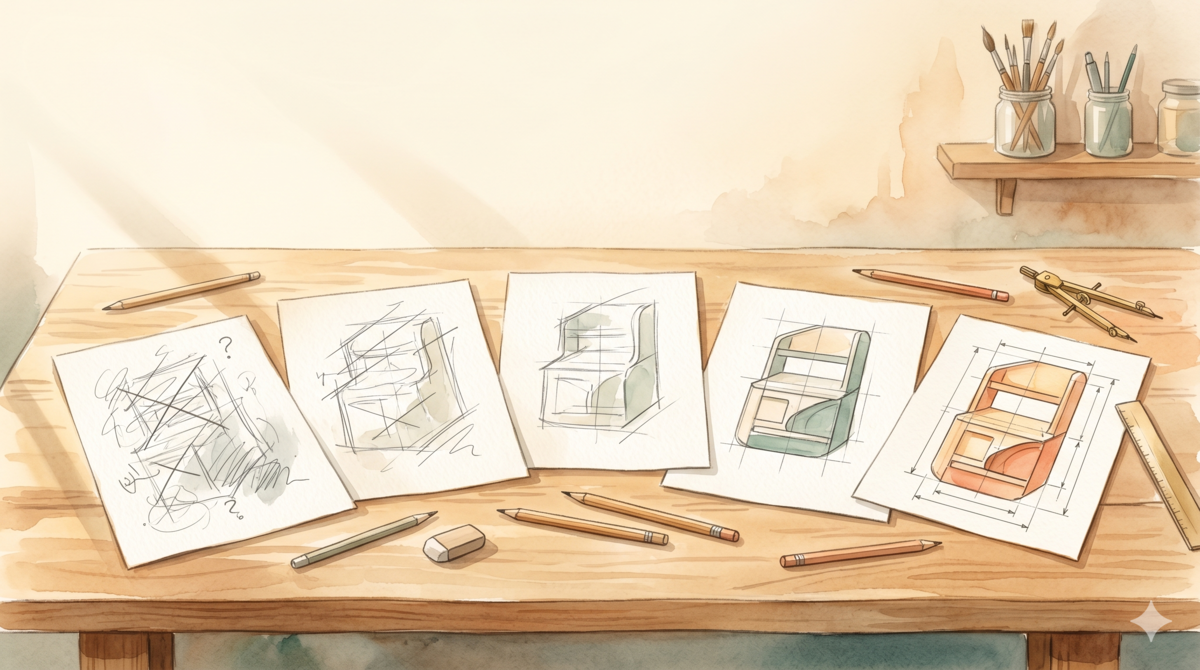
Watercolor style: a workbench with five woodworking sketches progressing from rough to refined, symbolizing how the same request gets rewritten from vague to precise

RBGO Rewrites in 5 Real Scenarios: Vague Prompt vs. Precise Prompt

We covered the RBGO (Role-Background-Goal-Output) framework in the previous post. But there’s a gap between knowing the framework and actually using it: how do you translate “I want…” into those four elements? Below are 5 common everyday scenarios. Each one starts with the vague version (what most people actually write), followed by the RBGO rewrite, and finally a breakdown of what changed and why. Scenario 1: Writing a Work Email Vague version: ...

2026-05-18 · 6 min · Alex Wang
Watercolor illustration: a rough pencil sketch on the left transforming into a polished drawing on the right, connected by a soft arrow, symbolizing the rewrite from vague to precise

Practice: Rewrite Your First Question with RBGO

Today’s Practice Recall the first question you asked AI today (or recently) — the more casual, the better. Don’t cherry-pick. Ask it again exactly as-is. Save the answer. Now rewrite the same question using the RBGO framework: R (Role): Who should AI play — “senior ops manager”, “strict tech reviewer”, “patient teacher” B (Background): Your specific situation — target users, budget, timeline G (Goal): What you want — a strategy, a troubleshooting approach, an email draft O (Output): What format — 3 recommendations, table format, under 300 words Save the rewritten answer too. Put both side by side. ...

2026-05-17 · 2 min · Alex Wang
Watercolor still life: rough unpolished stone beside a faceted gemstone, symbolizing the refinement from vague to precise prompts

AI Path L0→L1 Upgrade Guide (2): From Vague Questions to Precise Instructions

📖 This is Part 2 of 5 in the “AI Path L0→L1 Upgrade Guide” series. Part 1: Understanding Your Tools · Part 2: From Vague Questions to Precise Instructions · Part 3: Turning AI Into Your Collaboration Partner (coming soon) · Part 4: Building Your Personal System (coming soon) · Part 5: Graduation & Next Steps (coming soon) In the last part we covered how LLMs actually work, how their memory operates, and the key differences between major platforms. Starting this week, we move into practice — how to turn what you want to say into instructions that AI can understand precisely. ...

2026-05-16 · 6 min · Alex Wang
Watercolor illustration: three artisan tools on a warm wooden workbench — a wide terracotta bowl, an elegant glass carafe, and a segmented wooden organizer — each suited for different tasks, no ranking implied

Pick Your AI by the Job, Not the Ranking

Tried ChatGPT, Claude, Gemini, DeepSeek… and still can’t decide which one to stick with? Here’s the thing: that’s the wrong question. There is no universally best AI — only the one that fits what you’re doing right now. What’s your scenario? “I want a general-purpose assistant for everything” → ChatGPT. As of May 2026 the default is GPT-5.5 — well-rounded, with the richest plugin ecosystem. If you pick just one, this is a solid choice. ...

2026-05-15 · 1 min · Alex Wang
Watercolor illustration: a cluttered desk on the left, a neat filing cabinet on the right, separated by a dashed line — symbolizing working memory vs. long-term memory

Your AI Has a Desk and a Filing Cabinet

Ever notice your AI suddenly ignoring something you said ten minutes ago? Or opened a fresh chat and had to explain your entire project from scratch? Here’s why. Your AI actually has two kinds of memory, and understanding both changes how you work with it. The Desk: Working Memory Working memory is everything inside your current conversation. Think of it as a desk — limited surface area. A few documents fit comfortably. Stack too many, and older pages slide right off the edge. ...

2026-05-14 · 2 min · Alex Wang
Watercolor illustration: three books progressing left to right — closed book with question mark, open book with magnifying glass, open notebook with mind map, symbolizing three cognitive shifts

Stop Using AI Like a Search Engine: 3 Cognitive Shifts

Last time we covered a foundational idea: LLMs generate probabilistically. They don’t look up answers — they think them through fresh each time. That means response variance is normal, and you need to verify. Easy to understand. Harder to act on. The habit is sticky: open ChatGPT, type a phrase, grab the answer, close the tab. This post isn’t a tutorial. I picked three real scenarios to show what actually changes when you use AI differently. ...

2026-05-13 · 5 min · Alex Wang
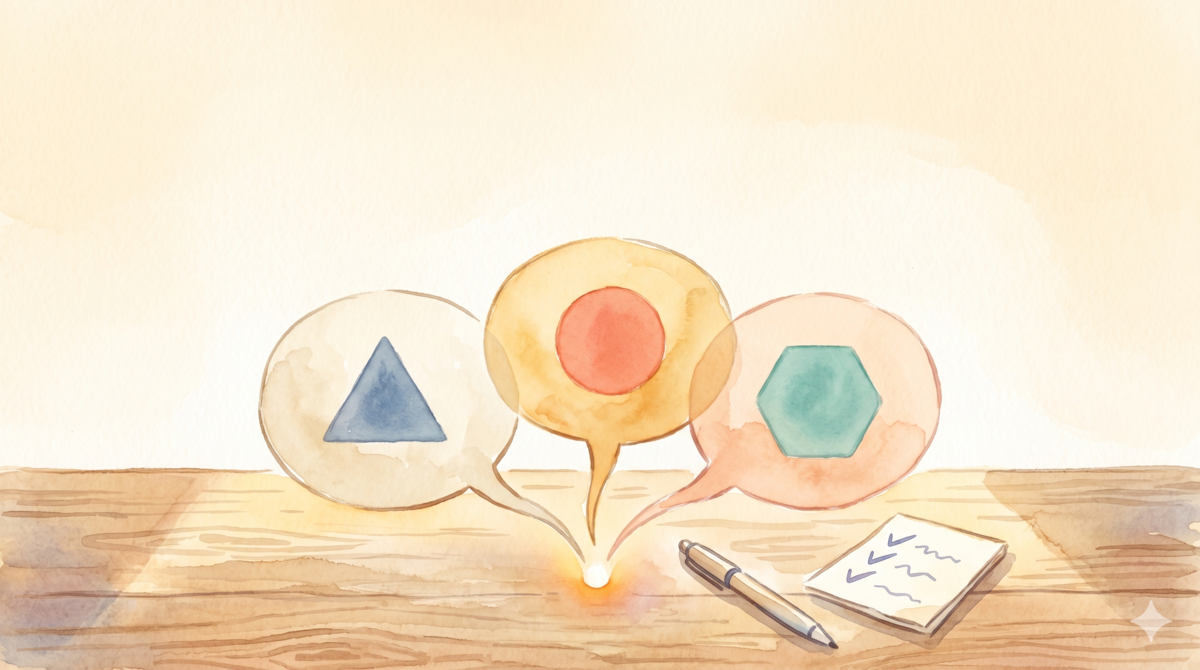
Watercolor illustration: three speech bubbles from one source, each with a different shape, symbolizing different answers to the same question

Practice Challenge: Ask AI the Same Question 3 Times

Today’s Challenge Open whatever AI you normally use — ChatGPT, Claude, DeepSeek, anything. Pick an open-ended question. Ask it 3 times. The question is up to you. Some examples: “How do I build a reading habit?” “Python tips for a complete beginner” “How can I run better meetings?” You can rephrase it each time or paste the exact same wording. The key rule: start a fresh conversation each time. Don’t follow up inside the same thread. Three new chats. ...

2026-05-12 · 2 min · Alex Wang
Watercolor illustration: a person at a cozy desk, holding a glowing translucent orb representing the essence of understanding LLMs

AI Path L0→L1 Upgrade Guide (1): Understanding Your Tools

📖 This is Part 1 of 5 in the “AI Path L0→L1 Upgrade Guide” series. Series navigation will be updated once all parts are published. Introduction: Sound Familiar? I’ve watched a lot of friends use AI tools, and I keep noticing the same pattern. They’re not strangers to ChatGPT or Claude—they use them casually from time to time—but their experience is wildly inconsistent. Sometimes the AI delivers a jaw-dropping answer; other times it completely misses the point, producing something unusable. ...

2026-05-11 · 5 min · Alex Wang
AI Toolchain Evolution Path panorama — five levels from First Contact to AI Native

The AI Path: From First Contact to AI Native

TL;DR: How does a person grow with AI? This post maps the journey from “opening a chat box for the first time” to “thinking in AI-native ways” across five stages—First Contact, Power User, Engineer, Architect, and Native. The essence of each stage isn’t learning more tools, but a shift in mindset: from passively accepting outputs, to actively designing inputs, to orchestrating multi-agent collaboration, and ultimately reshaping your own cognitive framework. The interactive path map at the end lets you explore each stage in full detail. ...

2026-05-10 · 5 min · Alex Wang