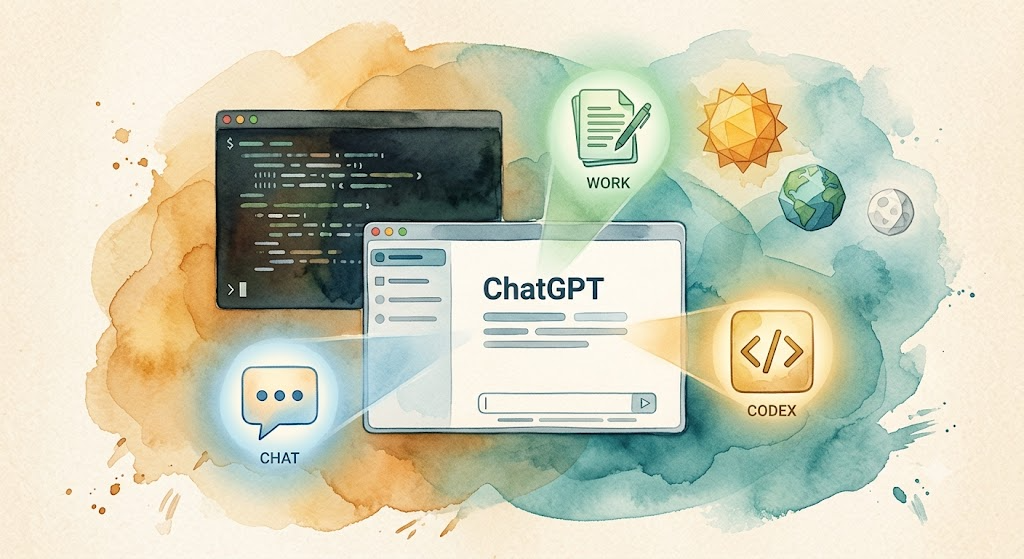
Watercolor: ChatGPT desktop app floating centrally with three mode icons Chat/Work/Codex, a terminal window with scrolling code behind, three geometric shapes representing GPT-5.6 Sol/Terra/Luna

Codex Cold Start: From Installation to Your First Command

This is a bonus article for the “AI Path L1→L2 Upgrade Guide.” If you haven’t set up Codex yet, this guide gets you from zero to running. On July 9, 2026, OpenAI made two announcements at once: GPT-5.6 went public, and Codex was merged into the ChatGPT desktop app. The new desktop app has three modes: Chat, Work, and Codex, all in one app. If you already have the standalone Codex desktop app, it updates in place. Your projects and settings carry over. ...
2026-07-13 · 6 min · Alex Wang
Watercolor: an open laptop with a terminal screen, OpenCode and Zen icons floating nearby, a hand inserting a key into a lock

OpenCode Cold Start: DeepSeek V4 Flash Free in 5 Minutes

This is a bonus article for the “AI Path L1→L2 Upgrade Guide.” If you have not installed OpenCode yet, this guide gets you from zero to running. On Day 8, you learned about autonomous execution AI. The next step is actually installing and configuring OpenCode. OpenCode is an open-source AI coding assistant. It is free, supports multiple models, and has a skill system. Paired with OpenCode Zen, OpenCode allows you to use tested models without setting up third-party API keys, including the free DeepSeek V4 Flash. ...

2026-07-06 · 5 min · Alex Wang