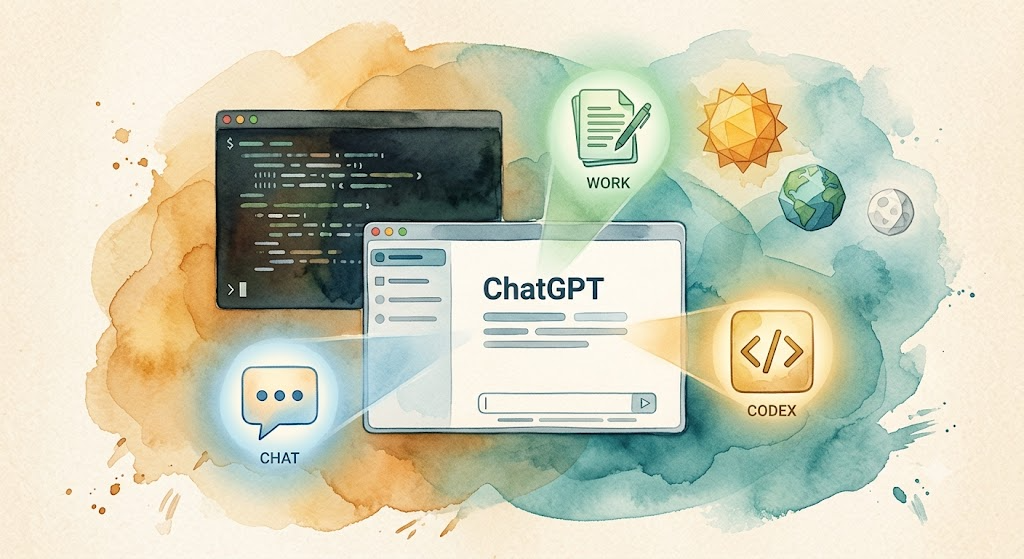
Watercolor: ChatGPT desktop app floating centrally with three mode icons Chat/Work/Codex, a terminal window with scrolling code behind, three geometric shapes representing GPT-5.6 Sol/Terra/Luna

Codex Cold Start: From Installation to Your First Command

This is a bonus article for the “AI Path L1→L2 Upgrade Guide.” If you haven’t set up Codex yet, this guide gets you from zero to running. On July 9, 2026, OpenAI made two announcements at once: GPT-5.6 went public, and Codex was merged into the ChatGPT desktop app. The new desktop app has three modes: Chat, Work, and Codex, all in one app. If you’ve already got the standalone Codex desktop app, it updates in place. Your projects and settings carry over. ...

2026-07-13 · 6 min · Alex Wang
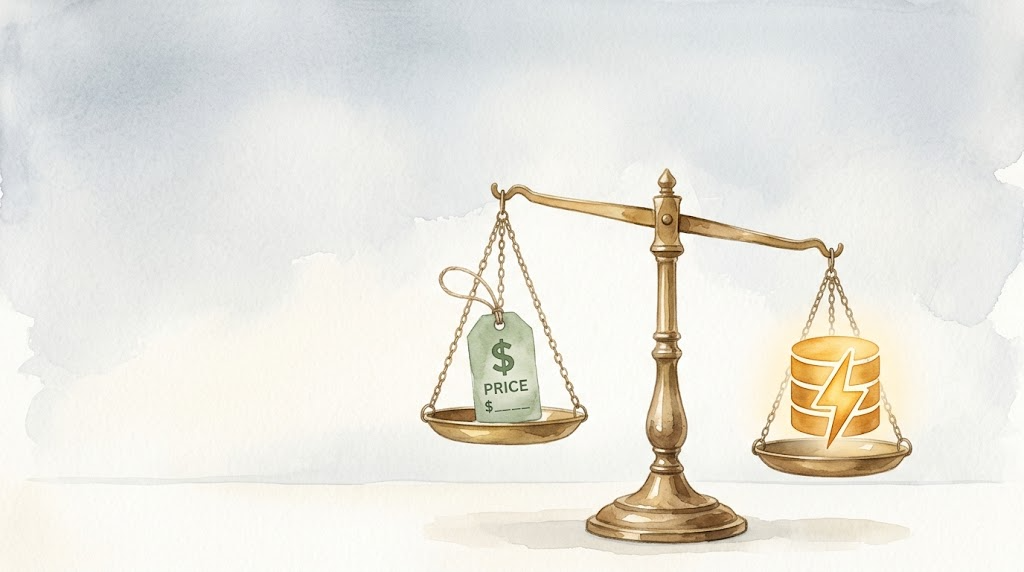
Watercolor: a scale balancing a price tag on one side and a cache symbol on the other, representing the trade-off between cost and efficiency

Day 9: API Caching Basics and Why Unit Price Isn't the Whole Story

This is Day 9 of Week 2 in the “AI Path L1→L2 Upgrade Guide.” You should have completed Day 7 Exercise: Add Error Handling to Your Script first. Day 7 added error handling to your script, so it’s resilient now. But there’s a bigger cost factor you might have missed: the API provider you picked could cost a lot more than you think. DeepSeek V4-Pro charges $0.435 per million input tokens. OpenAI GPT-5.5 charges $5.00. That’s roughly an 11x difference. Factor in caching and the gap widens further. ...

2026-06-30 · 7 min · Alex Wang
Watercolor: person sitting at computer with AI auto-organizing folders, scattered file icons nearby

Day 8: Autonomous AI, Automation Without Writing Code

This is Day 8 of Week 2 in the “AI Path L1→L2 Upgrade Guide.” You should have completed Day 7 first. Day 7 you added error handling to your script. It now runs reliably in real network conditions. But there’s a more fundamental limitation: you still have to write code. Writing code to call APIs is one kind of automation. There’s a lighter one: describe the task, and let AI write the code, run it, and fix the bugs itself. That’s autonomous execution AI. ...

2026-06-28 · 6 min · Alex Wang
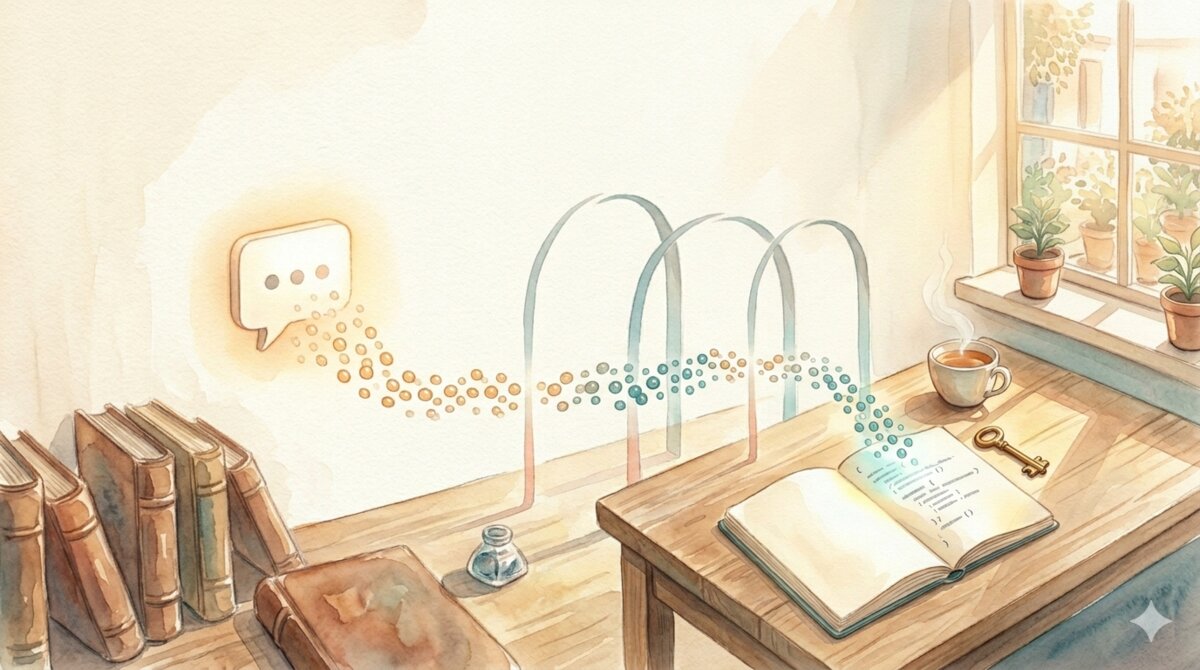
Watercolor: chat bubbles dissolving into a token stream flowing into a notebook and brass key on a desk

AI Path L1→L2 Upgrade Guide (1): Your First API Call

TL;DR: This is Part 1 of the “AI Path L1→L2 Upgrade Guide” series. Four parts total, one per week of practice. This article takes you from chat windows to APIs—automating your AI interactions through code, laying the foundation for batch processing and autonomous task-execution AI. Introduction: From “I Ask AI” to “Programs Ask AI” If you finished the L0→L1 graduation checklist, you might remember one line from the graduation post: “Register for an API account and use Python to print your first AI reply.” Today is that day. ...

2026-06-01 · 12 min · Alex Wang
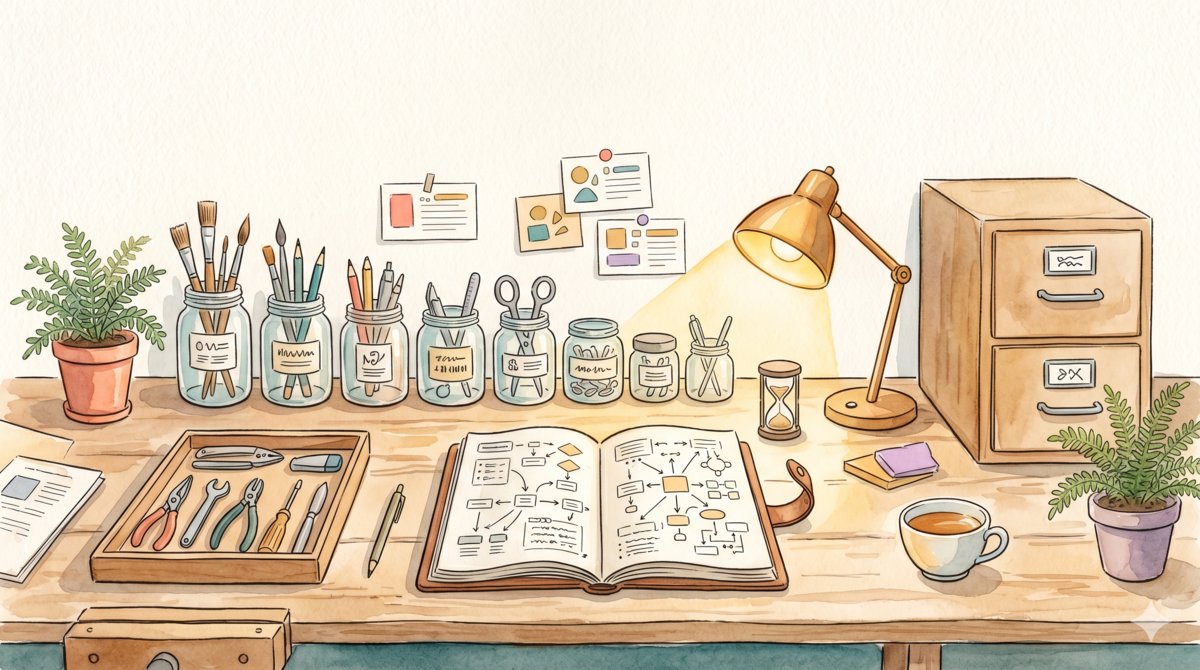
Watercolor style: a neatly organized workbench with labeled glass jars, a leather journal, curated tools, and a two-drawer cabinet symbolizing tiered knowledge management

AI Path L0→L1 Upgrade Guide (4): Building Your Personal System

📖 This is Part 4 of 5 in the “AI Path L0→L1 Upgrade Guide” series. Part 1: Understanding Your Tools · Part 2: From Vague Questions to Precise Instructions · Part 3: Turning AI Into Your Collaboration Partner · Part 4: Building Your Personal System · Part 5: Graduation & Next Steps Over three weeks we’ve picked up follow-up questions, context management, role-playing… the skills are piling up, and here’s the problem: how do you manage all these scattered abilities in one place? Week 4 is about exactly that — building a prompt library, choosing the right tools, and setting up knowledge management. Turning what you’ve learned into a personal system. ...

2026-05-26 · 4 min · Alex Wang
Watercolor illustration: three artisan tools on a warm wooden workbench — a wide terracotta bowl, an elegant glass carafe, and a segmented wooden organizer — each suited for different tasks, no ranking implied

Pick Your AI by the Job, Not the Ranking

Tried ChatGPT, Claude, Gemini, DeepSeek… and still can’t decide which one to stick with? Here’s the thing: that’s the wrong question. There is no universally best AI — only the one that fits what you’re doing right now. What’s your scenario? “I want a general-purpose assistant for everything” → ChatGPT. As of May 2026 the default is GPT-5.5 — well-rounded, with the richest plugin ecosystem. If you pick just one, this is a solid choice. ...

2026-05-15 · 1 min · Alex Wang
Watercolor illustration: three books progressing left to right — closed book with question mark, open book with magnifying glass, open notebook with mind map, symbolizing three cognitive shifts

Stop Using AI Like a Search Engine: 3 Cognitive Shifts

Last time we covered a foundational idea: LLMs generate probabilistically. They don’t look up answers — they think them through fresh each time. That means response variance is normal, and you need to verify. Easy to understand. Harder to act on. The habit is sticky: open ChatGPT, type a phrase, grab the answer, close the tab. This post isn’t a tutorial. I picked three real scenarios to show what actually changes when you use AI differently. ...

2026-05-13 · 5 min · Alex Wang
Watercolor illustration: a person at a cozy desk, holding a glowing translucent orb representing the essence of understanding LLMs

AI Path L0→L1 Upgrade Guide (1): Understanding Your Tools

📖 This is Part 1 of 5 in the “AI Path L0→L1 Upgrade Guide” series. Series navigation will be updated once all parts are published. Introduction: Sound Familiar? I’ve watched a lot of friends use AI tools, and I keep noticing the same pattern. They’re not strangers to ChatGPT or Claude—they use them casually from time to time—but their experience is wildly inconsistent. Sometimes the AI delivers a jaw-dropping answer; other times it completely misses the point, producing something unusable. ...

2026-05-11 · 5 min · Alex Wang
AI Toolchain Evolution Path panorama — five levels from First Contact to AI Native

The AI Path: From First Contact to AI Native

TL;DR: How does a person grow with AI? This post maps the journey from “opening a chat box for the first time” to “thinking in AI-native ways” across five stages—First Contact, Power User, Engineer, Architect, and Native. The essence of each stage isn’t learning more tools, but a shift in mindset: from passively accepting outputs, to actively designing inputs, to orchestrating multi-agent collaboration, and ultimately reshaping your own cognitive framework. The interactive path map at the end lets you explore each stage in full detail. ...

2026-05-10 · 5 min · Alex Wang