Realistic photography: a modern AI data center corridor with GPU server racks on both sides, blue and amber status LEDs, cool blue-tinted deep perspective composition

DeepSeek's Price Increase Goes Beyond GPU Costs

TL;DR: On August 6, 2026, DeepSeek announced that it plans to raise API prices. No single cause: cost pass-through, user filtering, expectation management, free marketing, a shift to value-based pricing, and open-source ecosystem pressure all point at the same move. Rising compute costs are real, but they don’t explain the timing or the form of the announcement. The market is largely moving from winning share with low prices toward value-based pricing, and seven falsifiable signals before the official plan will confirm or overturn this post’s inferences. ...


2026-08-07 · 8 min · Alex Wang
Watercolor: six cards arranged in a circle labeled GOAL, FLOW, LIST, PLAN, BUILD, TEST, with a folder in the middle. Six conversations turning a workflow into a skill kit.

Day 13: Turning a Workflow into a Skill Kit

This is Day 13 of the AI Path L1→L2 Upgrade Guide. Before diving in, check out Day 8, Day 9, Day 10, Day 11, and Day 12 first. Day 12 ended with a promise: in the next practice, we’d run the pipeline by hand. Two tools working in relay. Today, I deliver on that promise. I’m not here to show you how to use an off-the-shelf skill; I’ll show you how to build one from scratch. The project is picture-book-pipeline, which I use to batch-generate children’s picture books. It turns a workflow into a complete skill kit: a SKILL.md overview, role prompts, and execution scripts, all in one directory. ...

2026-08-06 · 12 min · Alex Wang
Watercolor: a toolbox holding a code script and an AI agent, beside pages of a children's picture book being batch-generated

Your AI Toolbox: How Scripts and AI Agent Work Together

This is Day 12 of the AI Path L1→L2 Upgrade Guide. Do Day 8, Day 10 and Day 11 first. Day 11 ended with a crucial question: How do we automate these steps? My approach relies on a simple realization: pairing stateless API calls with an AI agent shares the same core principles as breaking down workflows, designing systems, and building software. I’ve been doing that kind of work for years. The AI picture book project I’m building right now is a clean example. I’ll walk through how I designed its pipeline and tasks. ...

2026-08-04 · 11 min · Alex Wang
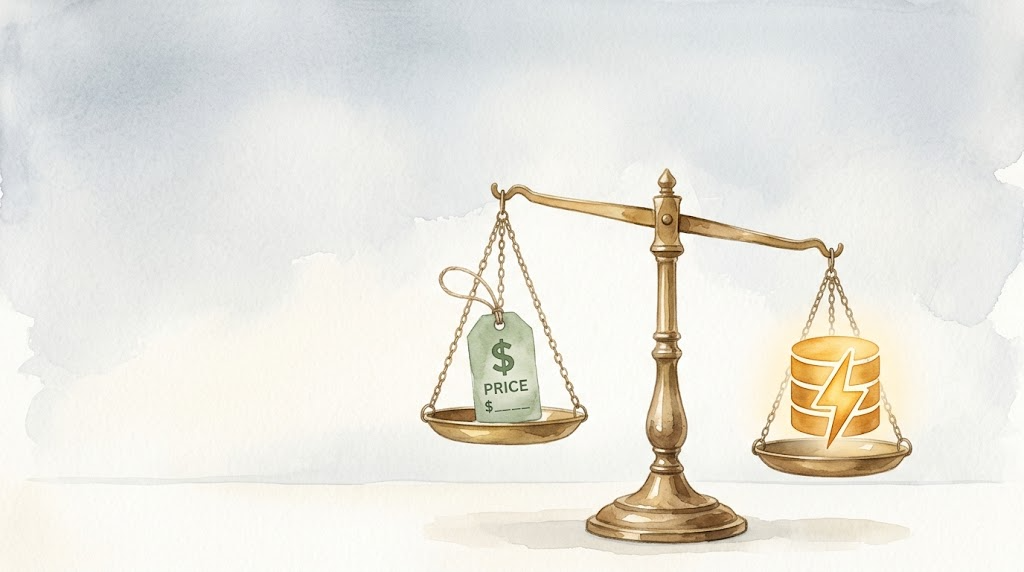
Watercolor: a scale balancing a price tag on one side and a cache symbol on the other, representing the trade-off between cost and efficiency

Day 9: API Caching Basics and Why Unit Price Isn't the Whole Story

This is Day 9 of Week 2 in the “AI Path L1→L2 Upgrade Guide.” You should have completed Day 7 Exercise: Add Error Handling to Your Script first. Day 7 added error handling to your script, so it’s resilient now. But there’s a bigger cost factor you might have missed: the API provider you picked could cost a lot more than you think. DeepSeek V4-Pro charges $0.435 per million input tokens. OpenAI GPT-5.5 charges $5.00. That’s roughly an 11x difference. Factor in caching and the gap widens further. ...

2026-06-30 · 7 min · Alex Wang
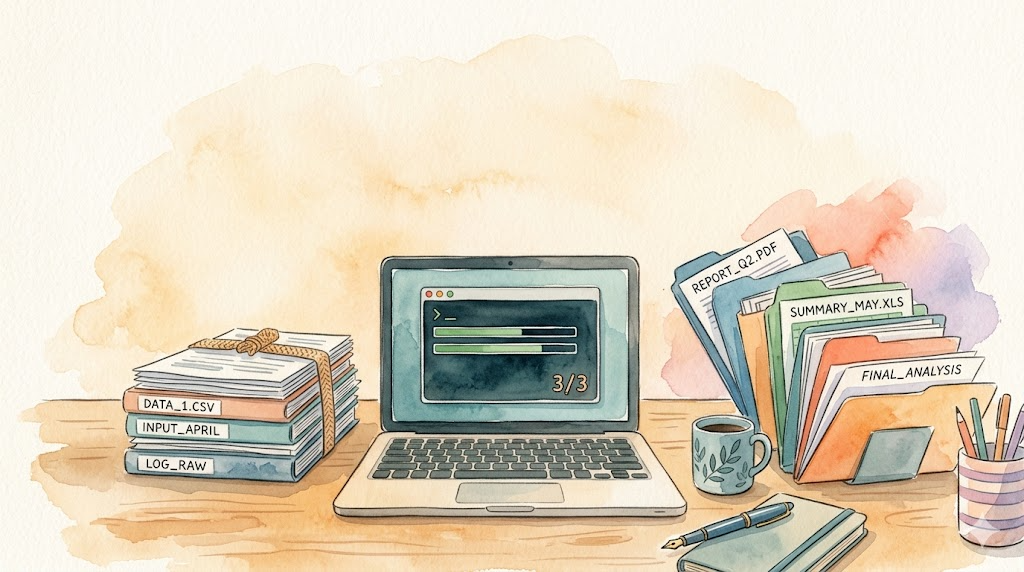
Watercolor illustration: a tidy desk with a laptop showing green progress bars and a 3/3 completion badge, files stacked on the left, fanned out on the right

Day 7 Exercise: Add Error Handling to Your Script

This is the Day 7 exercise for Week 2 of the “AI Path: Level Up Guide” series. Complete Day 6: Batch Processing Practice first. In Day 6, you wrote a batch processing script that works. Pick a scenario, walk the folder, call the API, save the results. It all runs smoothly until you try it for real. But that script runs in an idealized environment. Real networks are not ideal. Have you hit any of these with your script? ...

2026-06-18 · 8 min · Alex Wang
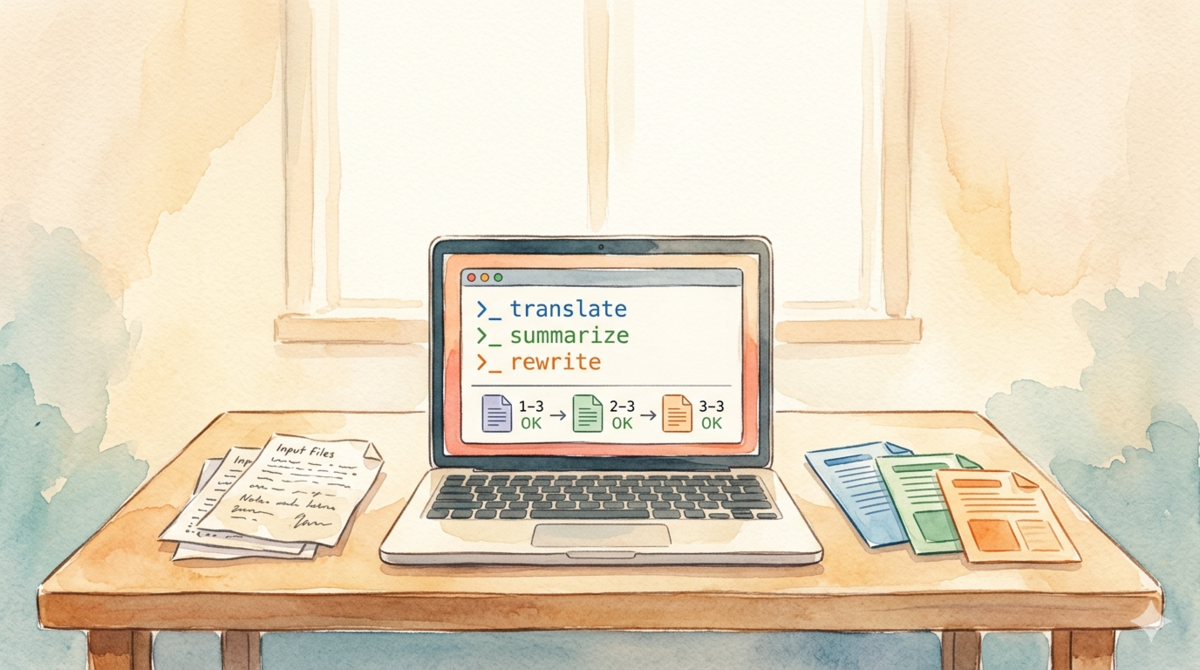
Watercolor illustration: a wooden desk with a laptop showing a batch processing script, input files on the left, output files on the right

Day 6 Exercise: Batch Processing Practice — Pick a Scenario and Run It

This is the Day 6 exercise for Week 2 of the “AI Path: Level Up Guide” series. Complete Day 5: Teach Your Script to Read More File Formats first, then come back here to work through this one. In Day 5: Teach Your Script to Read More File Formats, you built the read_file() function and the skeleton of a batch script. Your script recognizes files in various formats now. But you haven’t run a full pipeline from start to finish yet. You still need to pick a scenario, call the API, and save the results. That loop is missing. ...

2026-06-13 · 7 min · Alex Wang
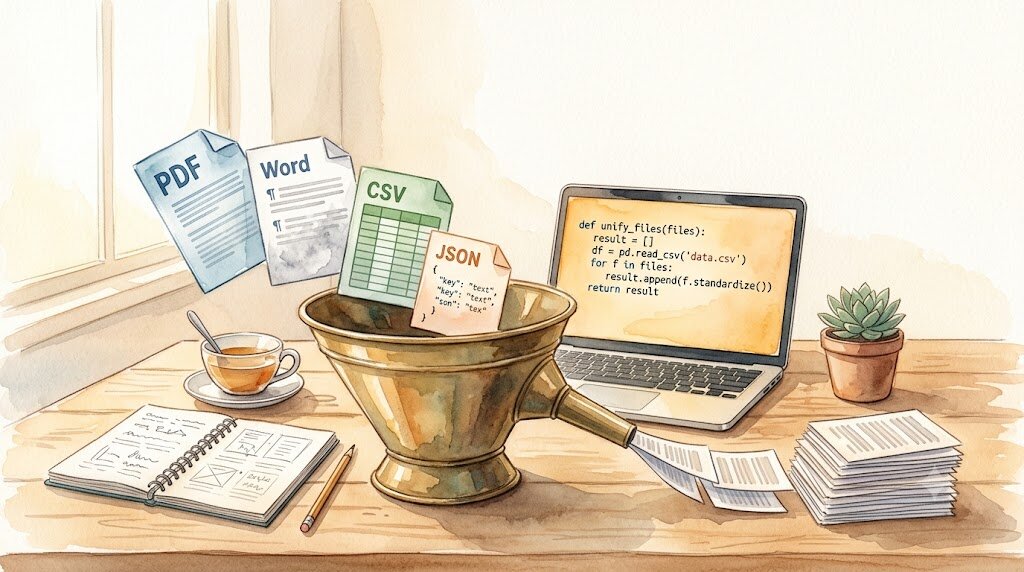
Watercolor illustration: various files (PDF, Word, CSV) dropping into a funnel like building blocks, with clean text flowing out the other end

Day 5 Exercise: Teach Your Script to Read More File Formats

This is Day 5 of Week 2 in the “AI Path L1→L2 Upgrade Guide” exercises. Read Part 2 first, then come back here. The batch_summarize.py from Part 2 handles .md and .txt files. But real files come in many more formats. PDF reports, Word contracts, CSV data tables, JSON config files. They’re sitting on your desktop right now, and the script can’t touch them. Today’s goal: write a read_file() function that picks the right reader based on file extension, then plug it into the Part 2 batch script. ...

2026-06-12 · 6 min · Alex Wang
Watercolor illustration: a conveyor belt feeding stacks of paper into a machine, with sorted summary sheets coming out the other end

AI Path L1→L2 Upgrade Guide (2): From One Call to Batch Processing: Let Your Program Do 100 Tasks

This is Part 2 of the “AI Path L1→L2 Upgrade Guide” series. Complete Part 1 and the first three days of exercises (Day 1, Day 2, Day 3) before continuing. Part 1 taught you to make one API call. Today we’re going bigger: make your program ask AI a hundred questions. Manually pasting text into a chat window a hundred times is grunt work. Writing a ten-minute script that does it for you is leverage. You get the time back. ...

2026-06-09 · 10 min · Alex Wang
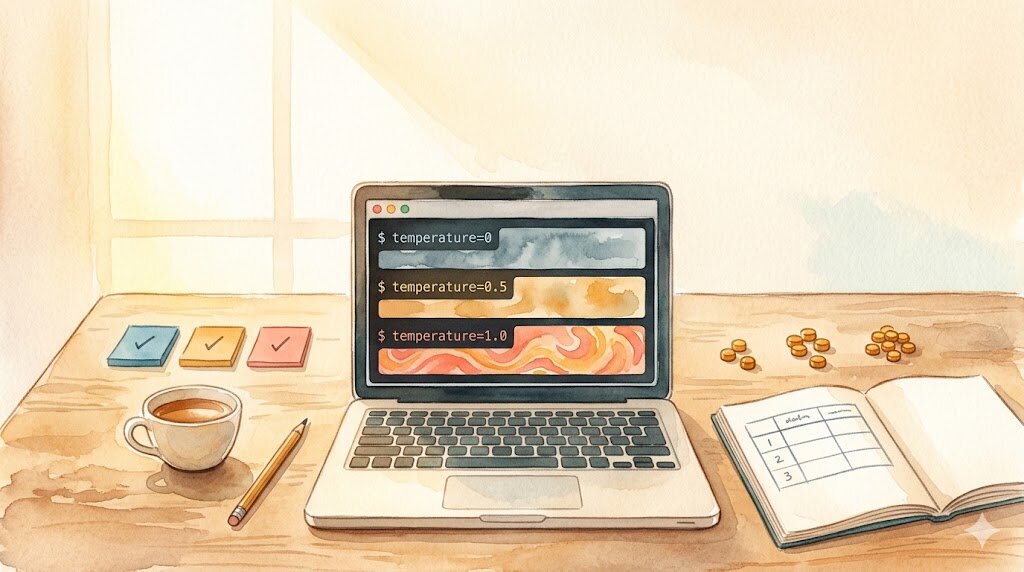
Watercolor illustration: a notebook with temperature parameter experiment records

Day 3 Exercise: API Parameter Experiments

This is the Day 3 companion exercise. Complete Day 1 first. Part 1 covers the theory (“Understanding API Parameters”)—today you verify it with your own eyes. Part 1 explained parameters in theory. But theory without practice is just noise. Today you run three experiments and see for yourself how parameters affect output. Setup Make sure your Day 1 project still works: uv run python hello_api.py If the AI replies, your environment is ready. All experiments below build on this code. ...

2026-06-08 · 3 min · Alex Wang
Watercolor: laptop with two side-by-side terminals glowing amber and teal, notebook with token beads, tea cup, and two checkmark sticky notes

Day 2 Exercise: Run the Same Request on an Aggregator Platform

This is the Day 2 companion exercise. Complete Day 1 first. Yesterday you ran your first API call through DeepSeek’s official API. Today we do one thing: switch to a different platform, change two parameters in the same code, and run it again. You’ll see that learning one platform’s API means you’ve learned them all—as long as they’re compatible with the OpenAI interface. What Is an Aggregator Platform An aggregator platform is a middle layer. You register one account, top up once, and get access to dozens of AI models (OpenAI, Anthropic, Google, etc.) without signing up at each official platform separately. ...

2026-06-06 · 4 min · Alex Wang