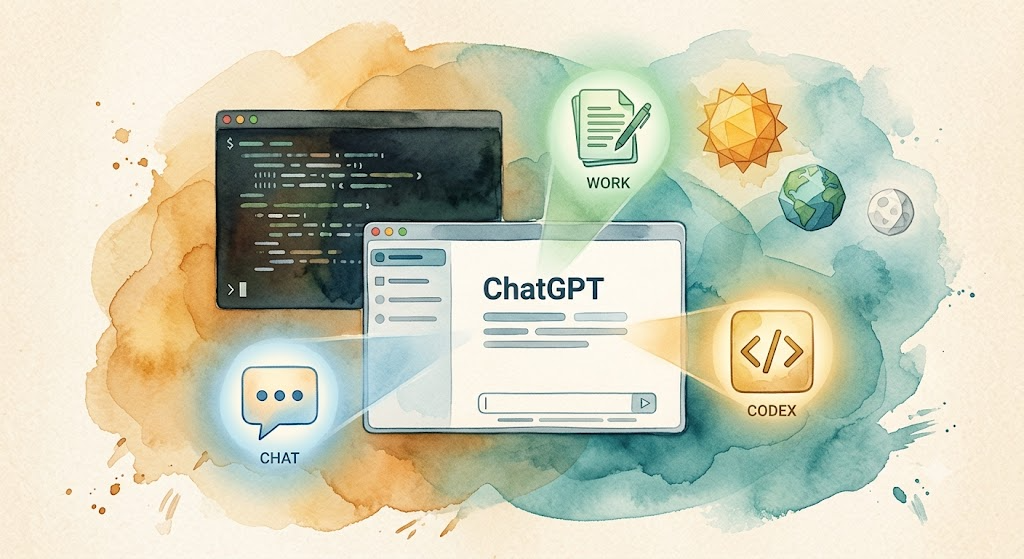
This is a bonus article for the “AI Path L1→L2 Upgrade Guide.” If you haven’t set up Codex yet, this guide gets you from zero to running.
On July 9, 2026, OpenAI made two announcements at once: GPT-5.6 went public, and Codex was merged into the ChatGPT desktop app. The new desktop app has three modes: Chat, Work, and Codex, all in one app. If you already have the standalone Codex desktop app, it updates in place. Your projects and settings carry over.
Codex CLI was also updated on the same day to v0.144.0/v0.144.1, for terminal-first developers and CI/CD pipelines. Both paths work. Pick the one that fits your workflow.
As the first hands-on article since Day 8, this guide covers everything from account setup to your first instruction.
GPT-5.6 Models and Pricing
The GPT-5.6 family has three models, each for a different use case:
| Model | Role | Input (per 1M tokens) | Output (per 1M tokens) |
|---|---|---|---|
| Sol | Flagship reasoning | $5 | $30 |
| Terra | Daily balance | $2.50 | $15 |
| Luna | Cost-optimized inference | $1 | $6 |
Sol scored 80 on the Coding Agent Index, above Claude Fable 5’s 77.2. But not all plans give you access to every model: Free and Go users are limited to Terra. Plus and above can choose freely.
Both the Codex desktop app and CLI use credits from your ChatGPT plan. There’s no separate free tier for Codex. Here’s what each plan offers:
| Plan | Price | Codex Models | Notes |
|---|---|---|---|
| Free | $0 | Terra only, limited quota | Enough to try, not for heavy use |
| Go | $8/mo | Terra only, expanded quota | Light use on a budget |
| Plus | $20/mo | Sol/Terra/Luna, higher quota | Best for personal daily use |
| Pro | $200/mo | Same, higher quota, ultra available | Heavy daily use |
For most people, Plus is the better deal. The rest of this guide assumes you’re on Plus.
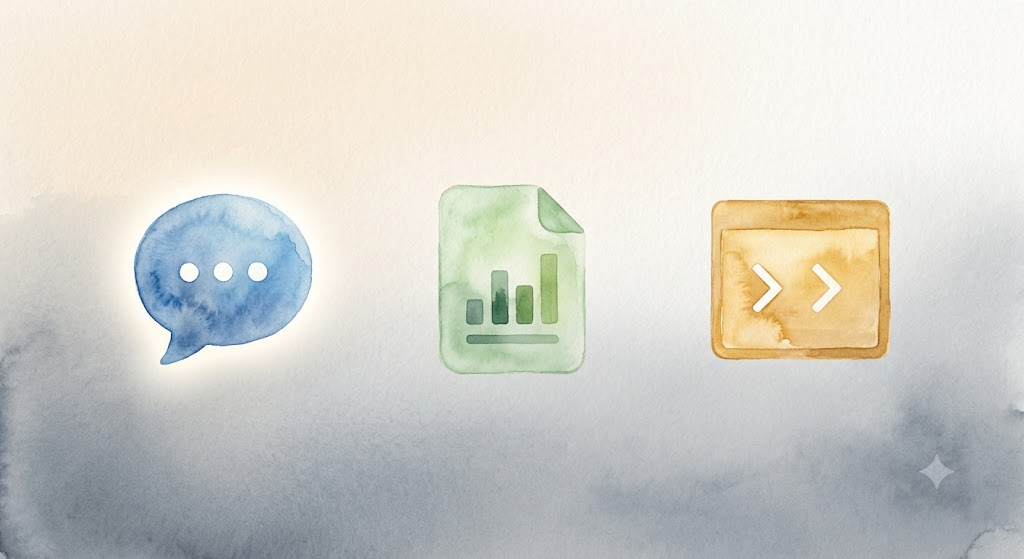 ChatGPT desktop app’s three modes: Chat, Work, and Codex, one app that switches between conversation, productivity, and development
Part 1: ChatGPT Plus Account
If you already have a ChatGPT Plus or higher subscription, skip to Part 2.
Create an Account
- Open a browser and go to chatgpt.com
- Click Sign Up with your email, Google, or Microsoft account
- Verify your email
- You’re now on the free tier
Upgrade to Plus
- Log in at chatgpt.com
- Click your avatar (bottom-left) → My Plan → Upgrade to Plus
- Select Plus ($20/month)
- Enter payment details
Payment Methods
On the web, OpenAI accepts major credit cards (Visa, Mastercard, American Express, Discover). PayPal is not supported for individual subscriptions. On mobile:
- iOS: Subscribe through the App Store with Apple Pay support
- Android: Subscribe through Google Play with Google Pay support
If your card is declined, here are a few common causes:
- Card issuer blocks cross-border payments: Call your bank to enable international transactions
- IP region is not supported: Make sure your IP is in a supported region
- Virtual cards: Some work, but others may be rejected
Once payment completes, your account is upgraded to Plus. Codex credits are included.
Part 2: Install Codex (Desktop App, Recommended)
The ChatGPT desktop app is now a more straightforward way to use Codex.
Download and Install
Head over to chatgpt.com/download to grab the installer for your system. If you already have the standalone Codex app, opening it triggers an automatic update.
Switch to Codex Mode
Open the ChatGPT desktop app and switch to Codex mode at the top of the window. Codex mode gives you:
- Local file system access: work directly on project directories
- Inline diff editing: every change shown as a diff
- PR review sidebar: review pull requests without leaving the app
- Multi-repo support: manage multiple repositories in one workspace
If you’re used to the old ChatGPT desktop app, it’s now called ChatGPT Classic. You can switch between them freely. Codex mode can be set as your default view. On macOS, you can keep a standalone Codex icon in the dock.
Part 3: Or Use Codex CLI
If you prefer the terminal, OpenAI continues to maintain Codex CLI for terminal-first development, CI/CD, and scripting.
Prerequisites
- Node.js v18+ (v22 recommended)
- Git (Codex works best inside a Git repository)
Verify your Node.js version:
node --version
# Must return v18.x.x or higher
Install
npm install -g @openai/codex
macOS users can also use Homebrew:
brew install --cask codex
Verify
codex --version
A version number means it’s installed.
Link Your Account
Navigate to a project directory (a Git repo is best) and run:
cd /path/to/your/project
codex
On first launch, your browser opens for ChatGPT authentication. Once authorized, Codex starts its full-screen TUI.
Both the desktop app and the CLI draw from the same credit pool. Sign in once and you’re set. If you’re already logged in on desktop, the CLI authenticates automatically.
Part 4: Your First Command
Both the desktop app and CLI let you type natural language instructions. Try this:
Explain this project's file structure and point out any problematic code
Codex reads your project files and gives you an analysis. Try something more specific:
Translate this README.md to Spanish, keep the Markdown format
Try starting with read-only instructions to get a feel for how Codex handles your project. You can let it edit code once you’re comfortable.
FAQ
1. What’s the difference between Codex desktop and Codex CLI?
The desktop app includes Codex directly alongside Chat and Work, featuring graphical diff review and a PR review sidebar. It’s a better fit for everyday coding. The CLI is a terminal tool, designed primarily for CI/CD and scripting. Under the hood, they’re the same; the desktop app just adds a GUI. For authentication, the desktop app uses your ChatGPT login. The CLI runs a one-time OAuth flow, which completes automatically if you’re already signed in on the desktop app.
2. Can Free users use Codex?
Yes, but with restrictions. You can switch to Codex mode in the ChatGPT desktop app with a Free account. You’re limited to the Terra model with a reduced quota. Free accounts can’t use Codex CLI. If you plan on heavy use, upgrade to Plus.
3. "Command not found: codex"
npm global binaries aren’t in your PATH. Add this to ~/.zshrc or ~/.bashrc:
export PATH="$PATH:$(npm prefix -g)/bin"
4. Authentication fails
For the desktop app, check that you’re logged into ChatGPT. For the CLI, verify your account is on a plan with Codex access (Go or higher).
5. Codex won’t edit files
By default, Codex runs in Suggest mode: it proposes changes but doesn’t apply them. Switch to Auto-Edit by running:
codex --approval-policy on-failure
In the desktop app, you can adjust the approval policy in Settings.
Setup Checklist
Desktop App
- ChatGPT Plus or Free account (logged in)
- Downloaded ChatGPT desktop app (chatgpt.com/download)
- Switched to Codex mode
- Sent first instruction to verify
CLI (Alternative)
- ChatGPT Go or higher (this guide assumes Plus)
- Node.js v18+ (
node --version) - Git installed (
git --version) - Codex CLI installed (
npm install -g @openai/codex) - Installation verified (
codex --version) - Completed initial run and OAuth authentication (
codex) - Sent first instruction to verify
This is a bonus article for the “AI Path L1→L2 Upgrade Guide.” Previous: “Day 8: Autonomous AI, Automation Without Writing Code” compared Codex, Claude Code, and OpenCode. If you prefer an open-source alternative, see OpenCode Cold Start.