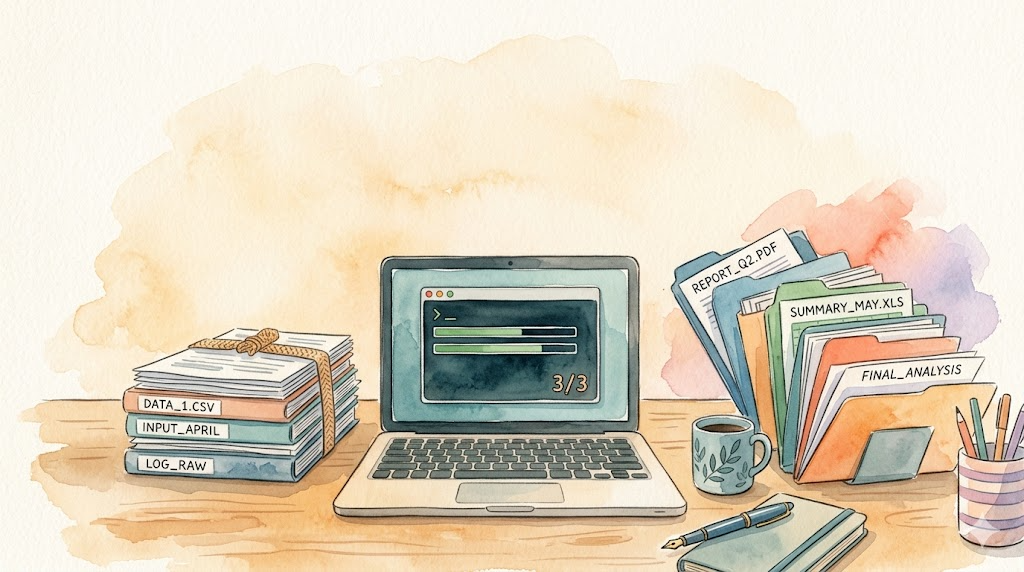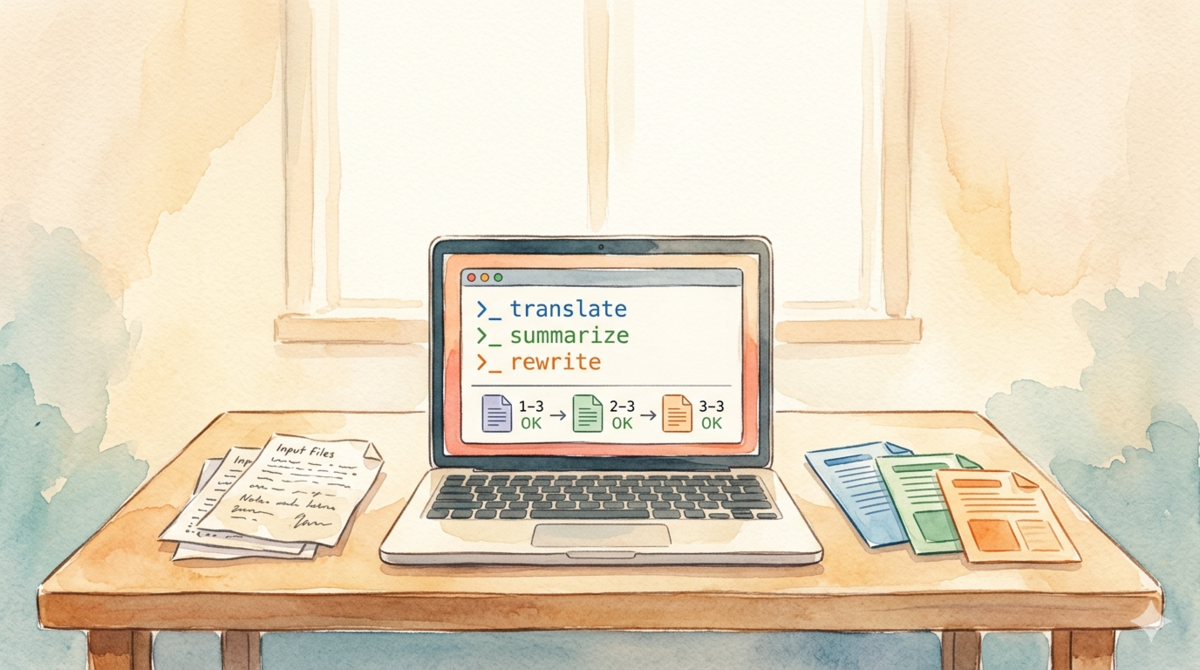
Watercolor illustration: a tidy desk with a laptop showing green progress bars and a 3/3 completion badge, files stacked on the left, fanned out on the right

Day 7 Exercise: Add Error Handling to Your Script

This is the Day 7 exercise for Week 2 of the “AI Path: Level Up Guide” series. Complete Day 6: Batch Processing Practice first. In Day 6, you wrote a batch processing script that works. Pick a scenario, walk the folder, call the API, save the results. It all runs smoothly until you try it for real. But that script runs in an idealized environment. Real networks are not ideal. Have you hit any of these with your script? ...

2026-06-18 · 8 min · Alex Wang
Watercolor illustration: a wooden desk with a laptop showing a batch processing script, input files on the left, output files on the right

Day 6 Exercise: Batch Processing Practice: Pick a Scenario and Run It

This is the Day 6 exercise for Week 2 of the “AI Path: Level Up Guide” series. Complete Day 5: Teach Your Script to Read More File Formats first, then come back here to work through Day 6. In Day 5: Teach Your Script to Read More File Formats, you built the read_file() function and the skeleton of a batch script. Your script recognizes files in various formats now. But you haven’t run a full pipeline from start to finish yet. You still need to pick a scenario, call the API, and save the results. That loop is missing. ...

2026-06-13 · 7 min · Alex Wang
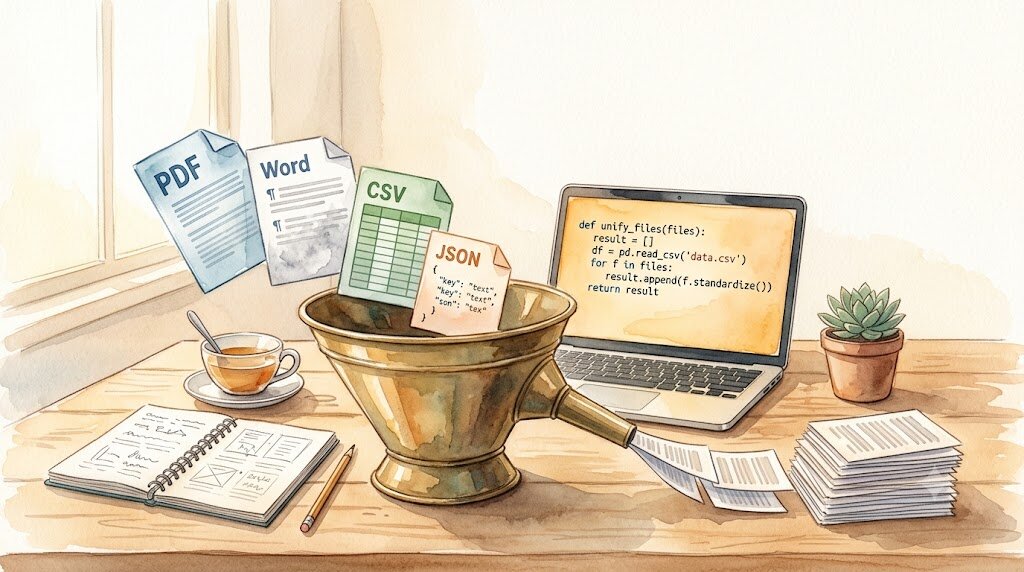
Watercolor illustration: various files (PDF, Word, CSV) dropping into a funnel like building blocks, with clean text flowing out the other end

Day 5 Exercise: Teach Your Script to Read More File Formats

This is Day 5 of Week 2 in the “AI Path L1→L2 Upgrade Guide” exercises. Read Part 2 first, then come back here. The batch_summarize.py script from Part 2 handles .md and .txt files. But real files come in many more formats. PDF reports, Word contracts, CSV data tables, JSON config files. They’re sitting on your desktop right now, and the script can’t touch them. Today’s goal: write a read_file() function that picks the right reader based on file extension, then plug it into the Part 2 batch script. ...

2026-06-12 · 6 min · Alex Wang
Watercolor illustration: a conveyor belt feeding stacks of paper into a machine, with sorted summary sheets coming out the other end

AI Path L1→L2 Upgrade Guide (2): From One Call to Batch Processing: Let Your Program Do 100 Tasks

This is Part 2 of the “AI Path L1→L2 Upgrade Guide” series. Complete Part 1 and the first three days of exercises (Day 1, Day 2, Day 3) before continuing. Part 1 taught you to make one API call. Today you’re going bigger: make your program ask AI 100 questions. Manually pasting text into a chat window 100 times is grunt work. Writing a 10-minute script to automate the task is worth it. You get the time back. ...

2026-06-09 · 10 min · Alex Wang
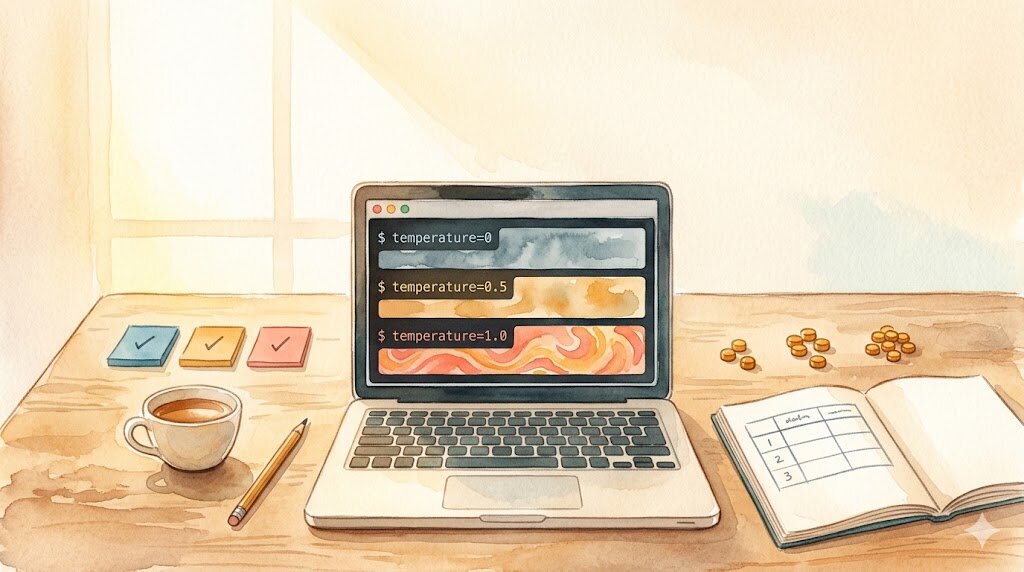
Watercolor illustration: a notebook with temperature parameter experiment records

Day 3 Exercise: API Parameter Experiments

This is the Day 3 companion exercise. Complete Day 1 first. Part 1 covers the theory (“Understanding API Parameters”). Today you verify it with your own eyes. Part 1 explained parameters in theory. But theory without practice is just noise. Today you run three experiments and see for yourself how parameters affect output. Setup Make sure your Day 1 project still works: uv run python hello_api.py If the AI replies, your environment is ready. All experiments below build on this code. ...

2026-06-08 · 3 min · Alex Wang
Watercolor: laptop with two side-by-side terminals glowing amber and teal, notebook with token beads, tea cup, and two checkmark sticky notes

Day 2 Exercise: Run the Same Request on an Aggregator Platform

This is the Day 2 companion exercise. Complete Day 1 first. Yesterday you ran your first API call through DeepSeek’s official API. Today you do one thing: switch to a different platform, change two parameters in the same code, and run it again. You’ll see that learning one platform’s API means you’ve learned them all, as long as they’re compatible with the OpenAI interface. What Is an Aggregator Platform An aggregator platform is a middle layer. You register one account, top up once, and get access to dozens of AI models (OpenAI, Anthropic, Google, etc.) without signing up at each official platform separately. ...

2026-06-06 · 4 min · Alex Wang
Watercolor: laptop terminal glowing with a golden line of AI response, notebook with token beads, tea cup, and sticky note with checkmark on desk

Day 1 Exercise: Run Your First API Code

This is the Day 1 companion exercise for the AI Path L1→L2 Upgrade Guide. Read Part 1 first, then come back here to practice. Today you do exactly one thing: run hello_api.py from Part 1 and see AI reply in your terminal. Prerequisites Complete these steps from Part 1 (skip if already done): Register a DeepSeek developer account (Part 1, “Register for API Accounts”) Get your API key and save it to a .env file (Part 1, “API Key Safety”) Install uv and Python 3.12 (Part 1, “Install Python”) Create a virtual environment and install dependencies (Part 1, “Create a Virtual Environment”) Confirm your project directory looks like this: ...

2026-06-02 · 3 min · Alex Wang
Watercolor: chat bubbles dissolving into a token stream flowing into a notebook and brass key on a desk

AI Path L1→L2 Upgrade Guide (1): Your First API Call

TL;DR: This is Part 1 of the “AI Path L1→L2 Upgrade Guide” series. Four parts total, one per week of practice. This article takes you from chat windows to APIs, automating your AI interactions through code, laying the foundation for batch processing and autonomous task-execution AI. Introduction: From “I Ask AI” to “Programs Ask AI” If you finished the L0→L1 graduation checklist, you might remember one line from the graduation post: “Register for an API account and use Python to print your first AI reply.” Today is that day. ...

2026-06-01 · 12 min · Alex Wang
Watercolor style: a winding path leading to a small flag on a hilltop, with broader mountain ranges and clouds stretching beyond

AI Path L0→L1 Upgrade Guide (5): Graduation Checklist & Next Steps

📖 This is Part 5 of 5 in the “AI Path L0→L1 Upgrade Guide” series: Series Navigation + Graduation Checklist. Series Navigation Part Topic Core Content Part 1 Understanding Your Tools LLM fundamentals (not a search engine), working memory vs. long-term memory, mainstream platforms and specialized tools Part 2 From Vague Questions to Precise Instructions The RBGO prompt framework, Chain-of-Thought reasoning, format constraints Part 3 Turning AI Into Your Collaboration Partner Iterative follow-up questions, context management (new conversations / progress summaries / chunked processing), role-playing Part 4 Building Your Personal System Prompt library, scenario-to-tool mapping (international and China options), layered knowledge management Part 5 Graduation & Next Steps L1 graduation checklist, L1→L2 dual-path preview ...

2026-05-30 · 2 min · Alex Wang
Watercolor style: a wooden desk with a partially open drawer revealing neatly organized pastel index cards in three rows, three sample cards fanned out on the desk surface

What My Prompt Library Looks Like: A Real Template

The biggest obstacle to building a Prompt library isn’t the tool. It’s knowing how to organize it. Yesterday you picked 5 Prompts; today I’ll show you a complete real template. Directory Structure This structure uses the Markdown folder approach. You can copy it directly: prompt-library/ ├── writing/ │ ├── email.md │ ├── article-summary.md │ └── ... ├── analysis/ │ ├── data-interpretation.md │ ├── case-breakdown.md │ └── ... ├── daily/ │ ├── meeting-notes.md │ └── ... └── README.md (global notes) The record format for each Prompt: ...

2026-05-28 · 3 min · Alex Wang