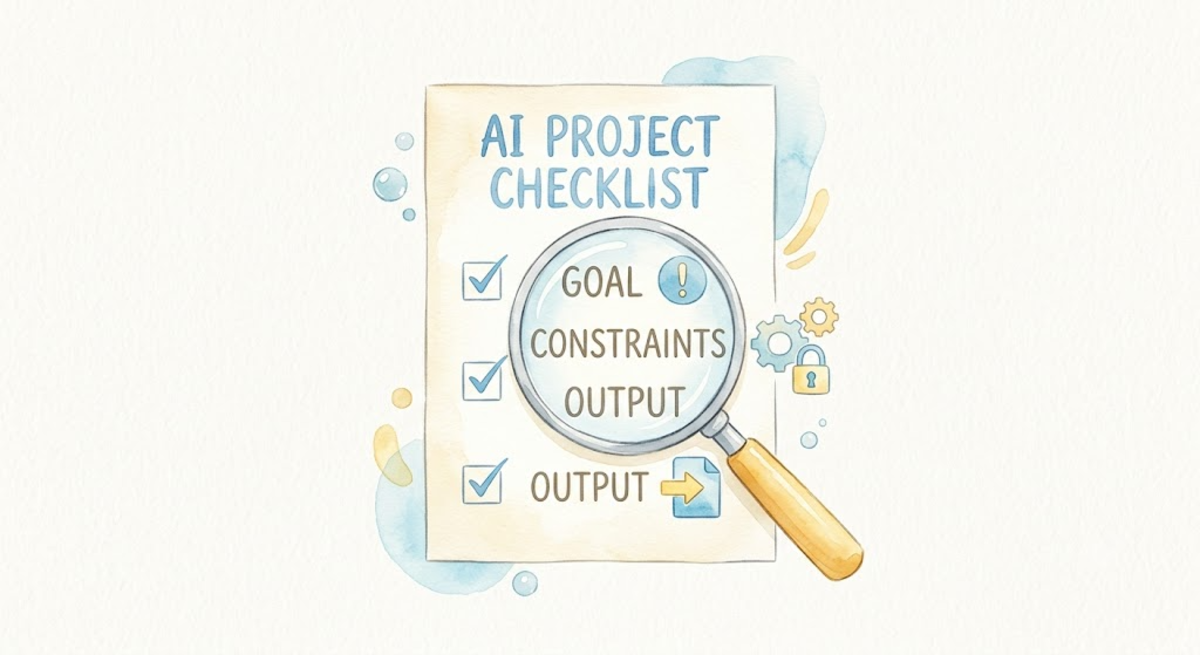
Watercolor style: a winding river flows from upper left to lower right, with a small ferry crossing marker in the middle, symbolizing a progress calibration point in a long conversation

Today's Practice: A 15-Turn Conversation Experiment

Today’s Practice Pick a real multi-step task you have on hand, and hold a conversation with AI for at least 15 turns (one question + one answer = one turn). Example tasks: “Help me plan a family trip (destination, itinerary, budget, packing list)” “Help me set up a personal blog from scratch (pick a platform, choose a theme, write the first post)” “Help me analyze a career decision (take stock of where I am, pros and cons, action plan)” Don’t try to steer the conversation deliberately — let it unfold naturally. When the conversation reaches around turn 10, pause and send this message: ...

2026-05-22 · 2 min · Alex Wang
Watercolor illustration: two people across a large table covered in notes and sketches, deep in discussion — symbolizing iterative collaboration through multi-turn conversation

AI Path L0→L1 Upgrade Guide (3): Turning AI Into Your Collaboration Partner

📖 This is Part 3 of 5 in the “AI Path L0→L1 Upgrade Guide” series. Part 1: Understanding Your Tools · Part 2: From Vague Questions to Precise Instructions · Part 3: Turning AI Into Your Collaboration Partner · Part 4: Building Your Personal System (coming soon) · Part 5: Graduation & Next Steps (coming soon) TL;DR: Three core skills — follow-up iteration (the first answer is almost never the best), context management (periodic summaries, start fresh after ~20 turns, split complex tasks), and role-playing (assigning a role changes output depth). This week’s practice focus: deliberately run a 15+ turn long conversation and proactively do a progress summary. ...

2026-05-21 · 9 min · Alex Wang
Watercolor style: six molds in a row, each labeled with a different geometric shape, symbolizing different output format constraints

Format Constraints Cheat Sheet: 6 Prompt Templates for Ready-to-Use AI Output

Tip Card: Format Constraints Cheat Sheet Spend 10 seconds specifying a format in your prompt, save 10 minutes of reformatting afterward. Here are 6 of the most useful format constraints, each with a prompt template you can use right away. 1. Markdown Table Best for: structured information that needs comparison or summarization. “Output as a Markdown table with the following columns: Name, Description, Use Case, Notes” 2. Numbered List Best for: steps, key points, quick scanning. ...

2026-05-20 · 2 min · Alex Wang
Watercolor style: three guide lines in signal-light colors converging on a door — green labeled reasoning, yellow labeled trade-offs, red labeled assumptions — symbolizing the three signals that trigger CoT

When Should You Ask AI to 'Think Step by Step'? Three Signals

Tip Card: When Should You Ask AI to “Think Step by Step”? Adding “please reason step by step” at the end of your prompt — that’s Chain-of-Thought (CoT). Deceptively simple, yet remarkably effective in the right situations. The question is: when should you add it? The answer is straightforward. Watch for three signals. If any apply, add it. Signal 1: The Problem Requires Multi-Step Reasoning “If I save 30% of my monthly income at 4% annual interest, compounded, how much will I have after 10 years?” ...

2026-05-19 · 2 min · Alex Wang
Watercolor style: a workbench with five woodworking sketches progressing from rough to refined, symbolizing how the same request gets rewritten from vague to precise

RBGO Rewrites in 5 Real Scenarios: Vague Prompt vs. Precise Prompt

We covered the RBGO (Role-Background-Goal-Output) framework in the previous post. But there’s a gap between knowing the framework and actually using it: how do you translate “I want…” into those four elements? Below are 5 common everyday scenarios. Each one starts with the vague version (what most people actually write), followed by the RBGO rewrite, and finally a breakdown of what changed and why. Scenario 1: Writing a Work Email Vague version: ...

2026-05-18 · 6 min · Alex Wang
Watercolor illustration: a rough pencil sketch on the left transforming into a polished drawing on the right, connected by a soft arrow, symbolizing the rewrite from vague to precise

Practice: Rewrite Your First Question with RBGO

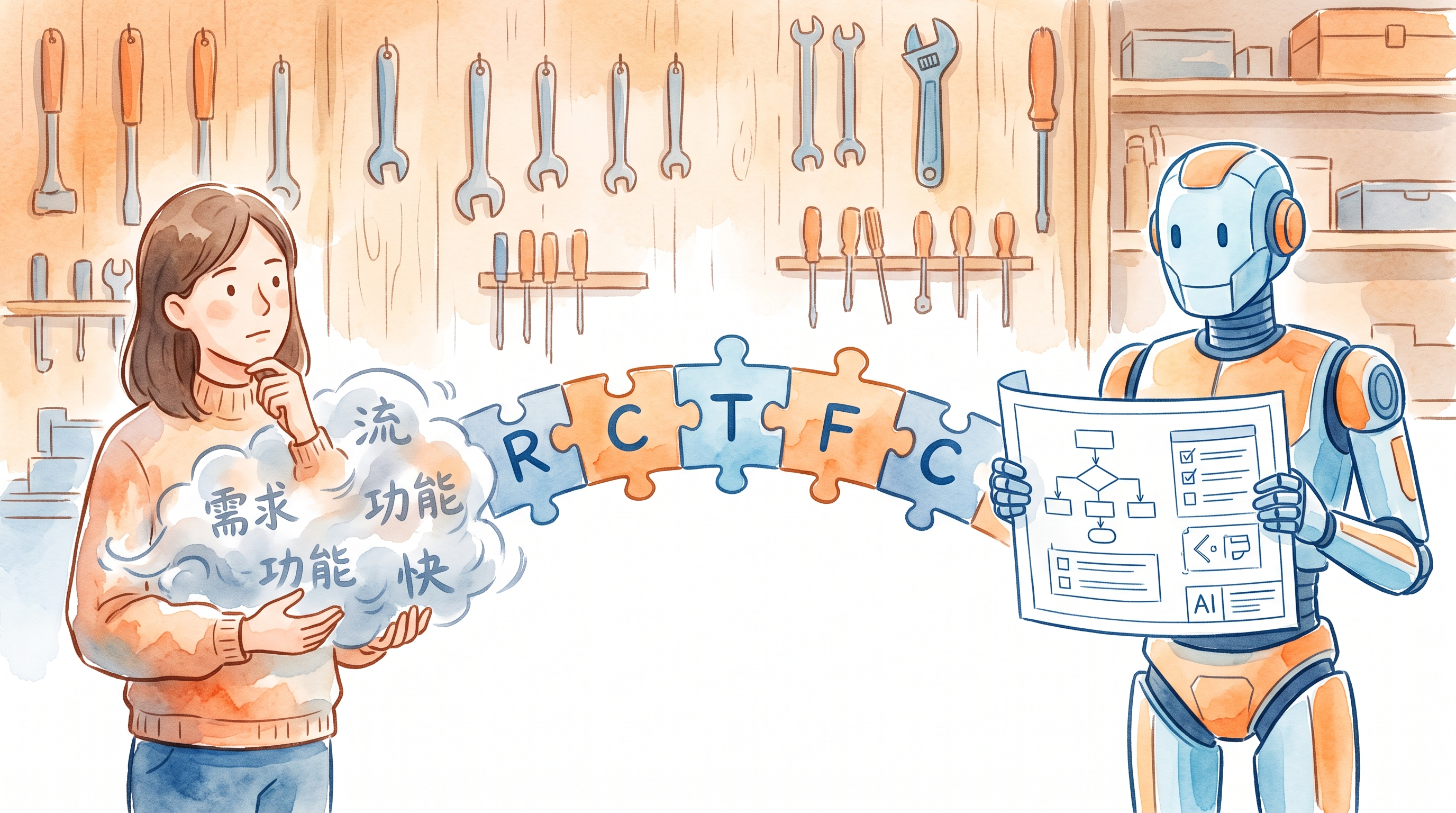
Today’s Practice Recall the first question you asked AI today (or recently) — the more casual, the better. Don’t cherry-pick. Ask it again exactly as-is. Save the answer. Now rewrite the same question using the RBGO framework: R (Role): Who should AI play — “senior ops manager”, “strict tech reviewer”, “patient teacher” B (Background): Your specific situation — target users, budget, timeline G (Goal): What you want — a strategy, a troubleshooting approach, an email draft O (Output): What format — 3 recommendations, table format, under 300 words Save the rewritten answer too. Put both side by side. ...

2026-05-17 · 2 min · Alex Wang
Watercolor still life: rough unpolished stone beside a faceted gemstone, symbolizing the refinement from vague to precise prompts

AI Path L0→L1 Upgrade Guide (2): From Vague Questions to Precise Instructions

📖 This is Part 2 of 5 in the “AI Path L0→L1 Upgrade Guide” series. Part 1: Understanding Your Tools · Part 2: From Vague Questions to Precise Instructions · Part 3: Turning AI Into Your Collaboration Partner (coming soon) · Part 4: Building Your Personal System (coming soon) · Part 5: Graduation & Next Steps (coming soon) In the last part we covered how LLMs actually work, how their memory operates, and the key differences between major platforms. Starting this week, we move into practice — how to turn what you want to say into instructions that AI can understand precisely. ...

2026-05-16 · 6 min · Alex Wang
Watercolor illustration: three artisan tools on a warm wooden workbench — a wide terracotta bowl, an elegant glass carafe, and a segmented wooden organizer — each suited for different tasks, no ranking implied

Pick Your AI by the Job, Not the Ranking

Tried ChatGPT, Claude, Gemini, DeepSeek… and still can’t decide which one to stick with? Here’s the thing: that’s the wrong question. There is no universally best AI — only the one that fits what you’re doing right now. What’s your scenario? “I want a general-purpose assistant for everything” → ChatGPT. As of May 2026 the default is GPT-5.5 — well-rounded, with the richest plugin ecosystem. If you pick just one, this is a solid choice. ...

2026-05-15 · 1 min · Alex Wang
Watercolor illustration: a cluttered desk on the left, a neat filing cabinet on the right, separated by a dashed line — symbolizing working memory vs. long-term memory

Your AI Has a Desk and a Filing Cabinet

Ever notice your AI suddenly ignoring something you said ten minutes ago? Or opened a fresh chat and had to explain your entire project from scratch? Here’s why. Your AI actually has two kinds of memory, and understanding both changes how you work with it. The Desk: Working Memory Working memory is everything inside your current conversation. Think of it as a desk — limited surface area. A few documents fit comfortably. Stack too many, and older pages slide right off the edge. ...

2026-05-14 · 2 min · Alex Wang
Watercolor illustration: three books progressing left to right — closed book with question mark, open book with magnifying glass, open notebook with mind map, symbolizing three cognitive shifts

Stop Using AI Like a Search Engine: 3 Cognitive Shifts

Last time we covered a foundational idea: LLMs generate probabilistically. They don’t look up answers — they think them through fresh each time. That means response variance is normal, and you need to verify. Easy to understand. Harder to act on. The habit is sticky: open ChatGPT, type a phrase, grab the answer, close the tab. This post isn’t a tutorial. I picked three real scenarios to show what actually changes when you use AI differently. ...

2026-05-13 · 5 min · Alex Wang