Unity of Knowledge and Action, Forged with AI
Documenting AI practice, technical thinking, and life notes
Unity of Knowledge and Action, Forged with AI
Documenting AI practice, technical thinking, and life notes
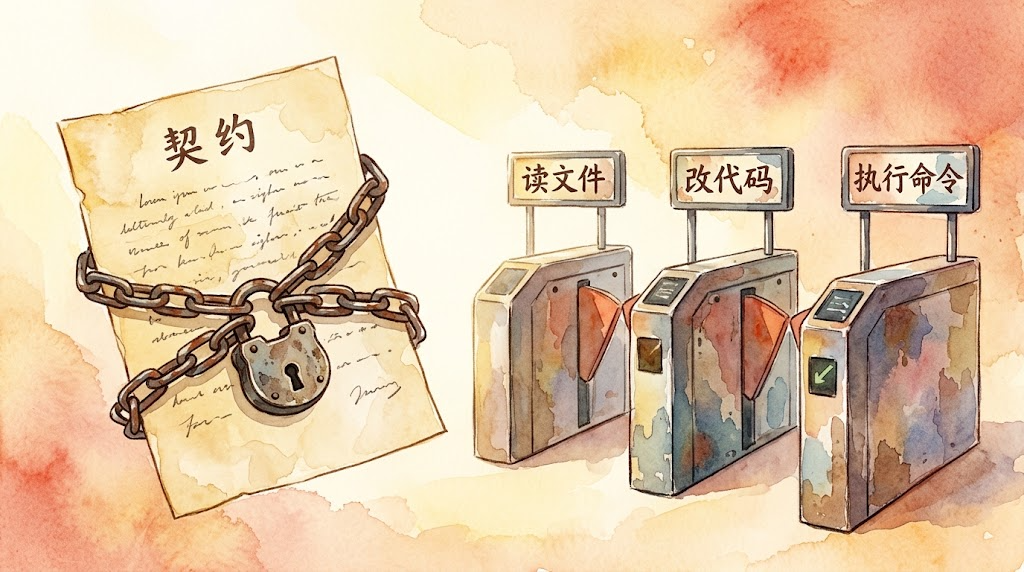
Previous article: Day 2 | Minimalism and Hard Isolation: The Pi Paradigm. Now that we understand why Pi strips features, we now address a more specific question: after the cuts, how should the remaining capabilities be managed? This is the backbone article of L3. Navigation for subsequent articles: Day Type Topic Day 4 Practice Rewrite your AGENTS.md + add an interception Hook Day 5 Backbone Tools as Interfaces: Three Extension Paths Day 6 Practice Add a new tool to your Agent Day 7 Backbone Meta-Architecture: Everything is a Plugin Day 8 Backbone Memory, Traces, and Observability Day 9 Practice Graduation project: Build a team-level CI/CD automation Harness Day 10 Phase summary L3 graduation assessment + Harness future trends The Problem with “Allow Everything” Day 1’s miniharness had 7 tools; Day 2’s Pi cut it down to 4. Regardless of the count, they share a common premise: all tools are available by default. ...

If you use AI to write embedded firmware—specifically bootloader hooks, flashing routines, and signature verification—and then discover that your device behaves completely incorrectly, host tests pass while the real device fails, or the online deployment is still running an old version, this post is for you. Over the last six days, I analyzed the thirteen detours we took during meta-pass v1.0 development. Most were not core technical failures, but rather the same root cause resurfacing in different forms: the task description did not specify what “done” means. ...

Previous post: Day 1 | 120 Lines to Understand the Agent Loop: miniharness Teardown and 3 Counterintuitive Findings. Now that we understand the loop’s core structure, let’s ask a more fundamental question: of the remaining thousands of lines, what belongs and what doesn’t? This is an L3 core lesson. Upcoming navigation: Day Type Topic Day 3 Core Hard constraints in the Harness: static contracts and lifecycle hooks Day 4 Exercise Rewrite your AGENTS.md + add an interception hook Day 5 Core Tools as interface: three extension paths Day 6 Exercise Give your Agent a new tool Day 7 Core Meta-architecture: Everything is a Plugin Day 8 Core Memory, traces, and observability Day 9 Exercise Capstone: build a team-level CI/CD automated Harness Day 10 Wrap-up L3 graduation assessment + Harness future trends Why “More Features” Is a Reverse Optimization In Day 1 we dismantled the loop, showing that the core logic takes only about a hundred lines; the remaining thousands consist of structure, constraints, tools, permissions, and planning modes—all the extra capabilities designed to let Agents “do more things.” ...
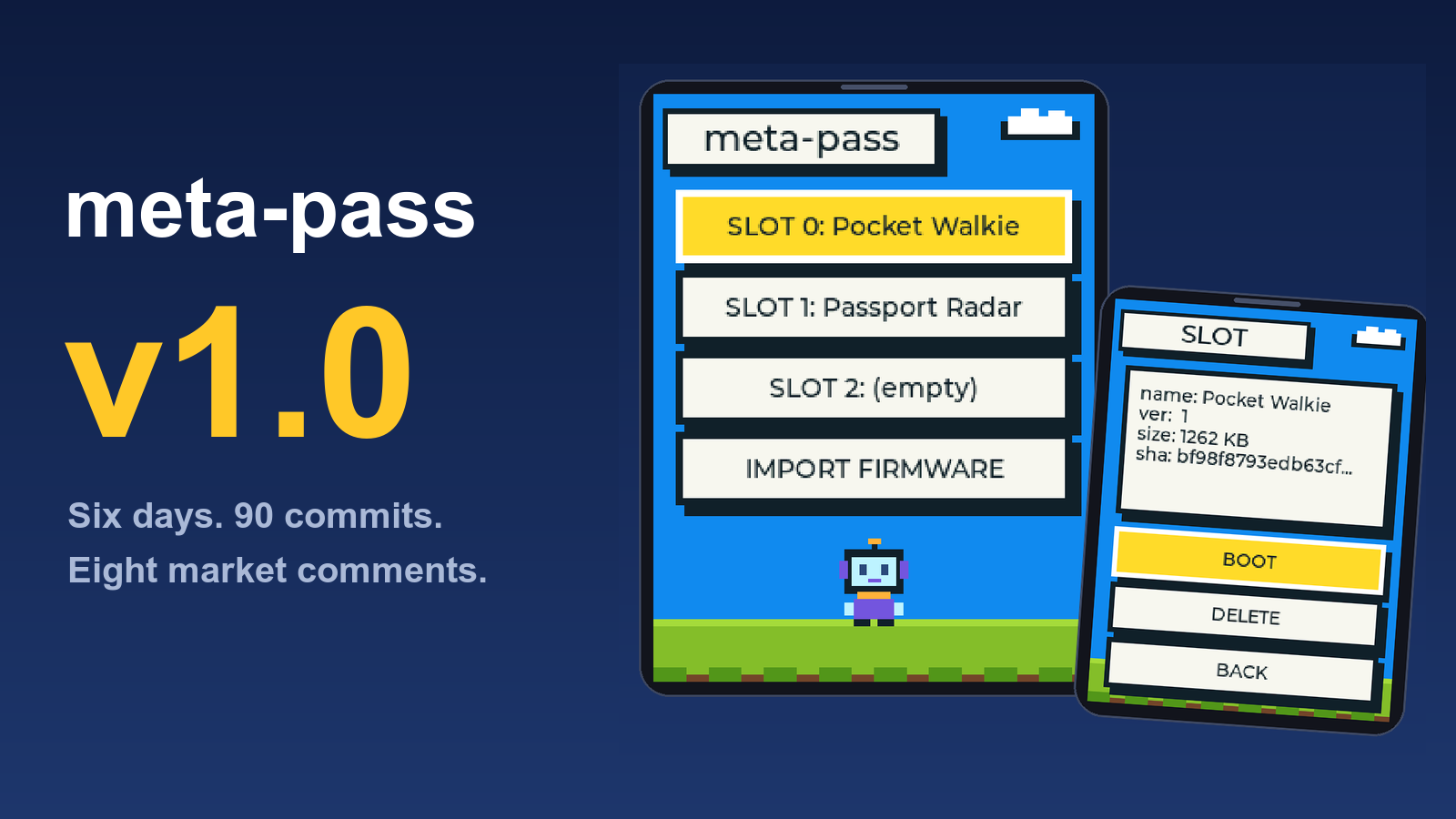
meta-pass is a multi-firmware launcher I wrote for AI Passport. A persistent launcher sits on the device, firmware images are installed into Flash slots and you select which one to boot from a startup list instead of reflashing the whole device every time. The two-day MVP process is documented in the previous post. Not useful. This thing takes up 3MB, leaving only two 2MB slots. Anything slightly practical won’t fit. The comment was mostly right. Over the next six days, I submitted 90 commits, working through eight comments one by one and iterated meta-pass from MVP to v1.0: three slots, signature badges, backup and restore, single-file firmware, data-safe upgrades, bootloader hardening and a USB speedup. Most of the v1.0 changes were directly driven by those comments. ...
Last week I got a FoloToy AI Passport, an AI conversation toy driven by an ESP32. It has a plays marketplace with quite a few firmware toys[1]. A couple caught my eye: one turns the device into a walkie-talkie over Bluetooth, another uses BLE for a radar treasure hunt. Plenty of community work worth trying too. Lots of toys, but one awkward reality: the device runs only one firmware at a time. Switching from the walkie-talkie to the treasure hunt means opening a laptop, plugging in a cable, and reflashing the entire chip. Once you reflash, the previous toy is gone. Out in the park with my kid, one minute it’s the walkie-talkie; if the next minute calls for the radar game, too bad. That has to wait until we get home. ...

Previous post: Day 0 | L3 Kickoff: A Short History of Harnesses, From Your Batch Script to Pi and DeepSeek Harness. Make sure you understand the Harness concept from Day 0 and the API calls from L2 Days 0-3, and let’s start dismantling the loop. This is an L3 exercise post. Upcoming navigation: Day Type Topic Day 2 Core Constraints and interception: hooks and permissions Day 3 Exercise Adding an approval gate with hooks Day 4 Core Extensions vs plugins: Pi vs DSH Day 5 Exercise Writing a Pi extension Day 6 Exercise Composing DSH Cordis plugin modes Day 7 Core Agent Teams and task DAGs Day 8 Core Memory and learning: Hermes, Nowledge Mem, EvoMap Day 9 Exercise Designing your own skill system Day 10 Wrap-up L3 graduation check Why This Is an Exercise Post The previous post traced the evolution of Harnesses. From Anthropic’s controlled experiment to the Pi and DeepSeek Harness routes, we learned one thing. Beyond the model, that guiding structure is what actually decides success. ...

Previous post: Day 16: L2 Complete! Next Stop: Harness Engineering Evolution and the L3 Blueprint. Make sure you have understood or mastered the skills Day 16 covered, and let’s start L3 from here. This is the L3 entry point. Upcoming posts: Day Type Topic Day 1 Exercise Reading the Agent Loop in 120 lines Day 2 Core Constraints and interception: hooks and permissions Day 3 Exercise Adding an approval gate with hooks Day 4 Core Extensions vs plugins: Pi vs DSH Day 5 Exercise Writing a Pi extension Day 6 Exercise Composing DSH Cordis plugin modes Day 7 Core Agent Teams and task DAGs Day 8 Core Memory and learning: Hermes, Nowledge Mem, EvoMap Day 9 Exercise Designing your own skill system Day 10 Wrap-up L3 graduation check Start by Remembering Your Day 4 Script Think back to Day 4 of L2. In that lesson we wrote a batch script: read files from a folder, call the API on each one, write the results back, and when a step failed, log the error first, then keep going. ...

This is the graduation assessment of the “AI Path: L1→L2 Upgrade Guide” series. Previous post: Part 5: How Non-Coders Use AI to Write Code. Full Navigation Day Type Topic Day 0 Core Part 1 AI Path L1→L2 Upgrade Guide (1): Your First API Call Day 1 Exercise Day 1 Exercise: Run Your First API Code Day 2 Exercise Day 2 Exercise: Run the Same Request on an Aggregator Platform Day 3 Exercise Day 3 Exercise: API Parameter Experiments Day 4 Core Part 2 AI Path L1→L2 Upgrade Guide (2): From One Call to Batch Processing: Let Your Program Do 100 Tasks Day 5 Exercise Day 5 Exercise: Teach Your Script to Read More File Formats Day 6 Exercise Day 6 Exercise: Batch Processing Practice: Pick a Scenario and Run It Day 7 Exercise Day 7 Exercise: Add Error Handling to Your Script Day 8 Core Part 3 Day 8: Autonomous AI, Automation Without Writing Code Day 9 Side Quest Day 9: API Caching Basics and Why Unit Price Isn’t the Whole Story Day 10 Exercise Day 10: Your AI Feels Like an Intern? Try the GCO Framework Day 11 Exercise Day 11: How to Verify What AI Gives You Day 12 Core Part 4 Your AI Toolbox: How Scripts and AI Agent Work Together Day 13 Exercise Day 13: Turning a Workflow into a Skill Kit Day 14 Exercise Automating Skill Documents: Four Core Blocks for Tailored AI Workflows Day 15 Core Part 5 Part 5: How Non-Coders Use AI to Write Code Day 16 Stage Recap Graduation Assessment Graduation Assessment: The L2 Nine-Item Checklist Seventeen days, from your first API call to a complete pipeline of your own. AI tools and features will keep changing, but don’t let that scare you: turning the unchanging methods and ways of thinking into your own capability is the right choice. ...
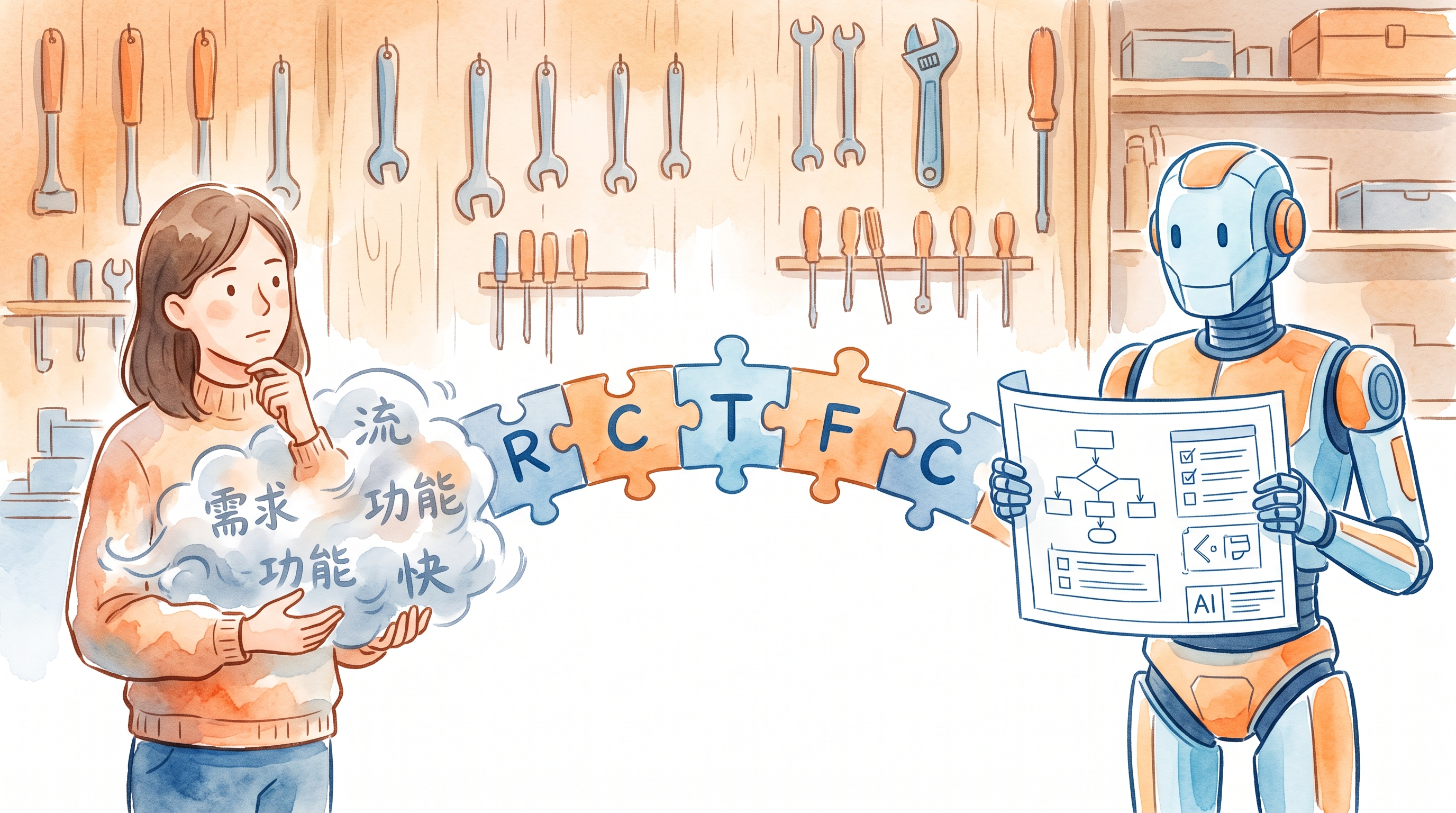
This is a supplementary part of the AI Path Advanced Guide L2, teaching non-coders how to use AI to write code. L2 has one final step: making AI write code that actually works. How do you make AI write code you can use? Not a demo that runs once. A script you can drop into your project and run. For someone who doesn’t code, the biggest pain points aren’t “how to write code.” They’re three questions: ...
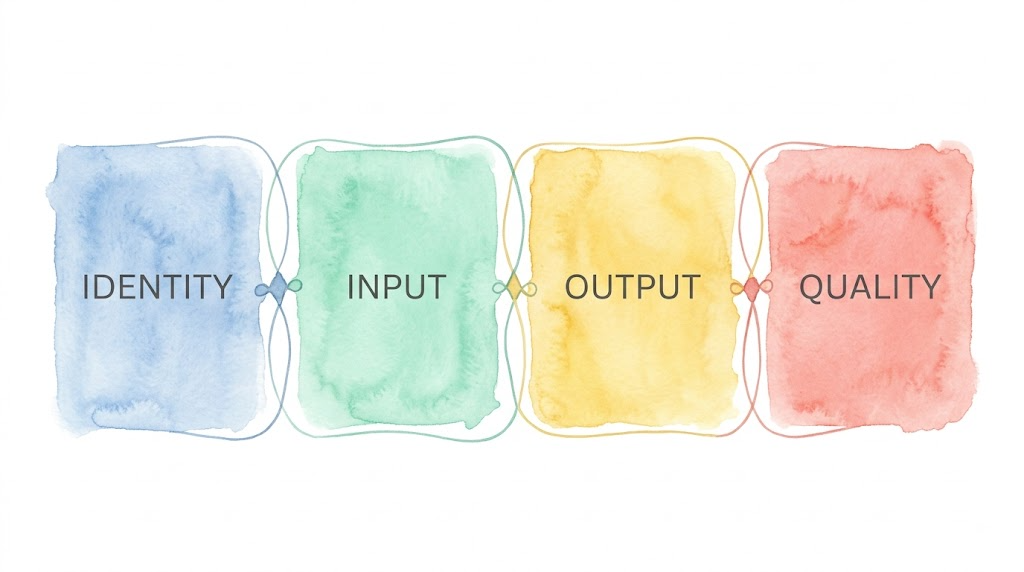
This is Day 14 of the “AI Path: Advanced Upgrade Guide” Week 3 series. Previous post: Day 13 Practice. Project repo: picture-book-pipeline. Introduction In Day 13, I built a skill through six rounds of conversation. A skill is made of role documents, one per role. The agent works from those documents. How you write them directly dictates the quality of the output. A role document has four blocks: identity, input, output requirements, quality requirements. This post goes through each one. What to write, and why. ...